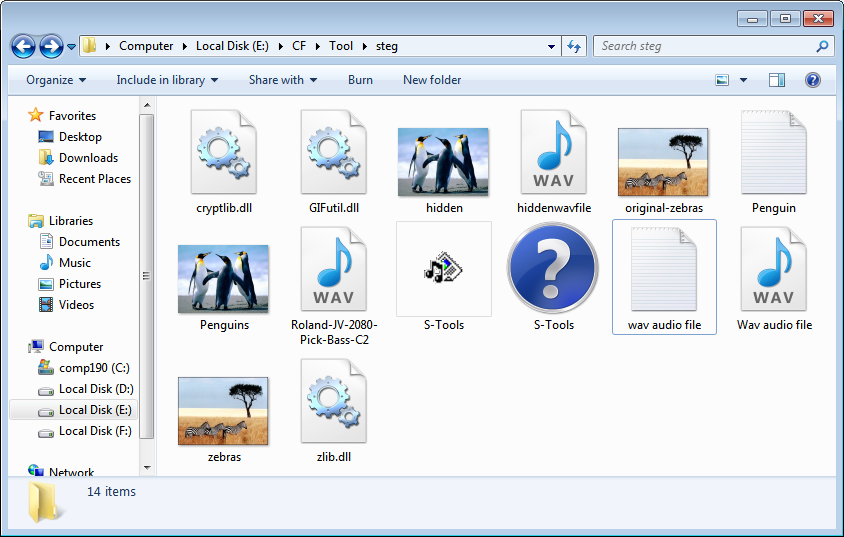
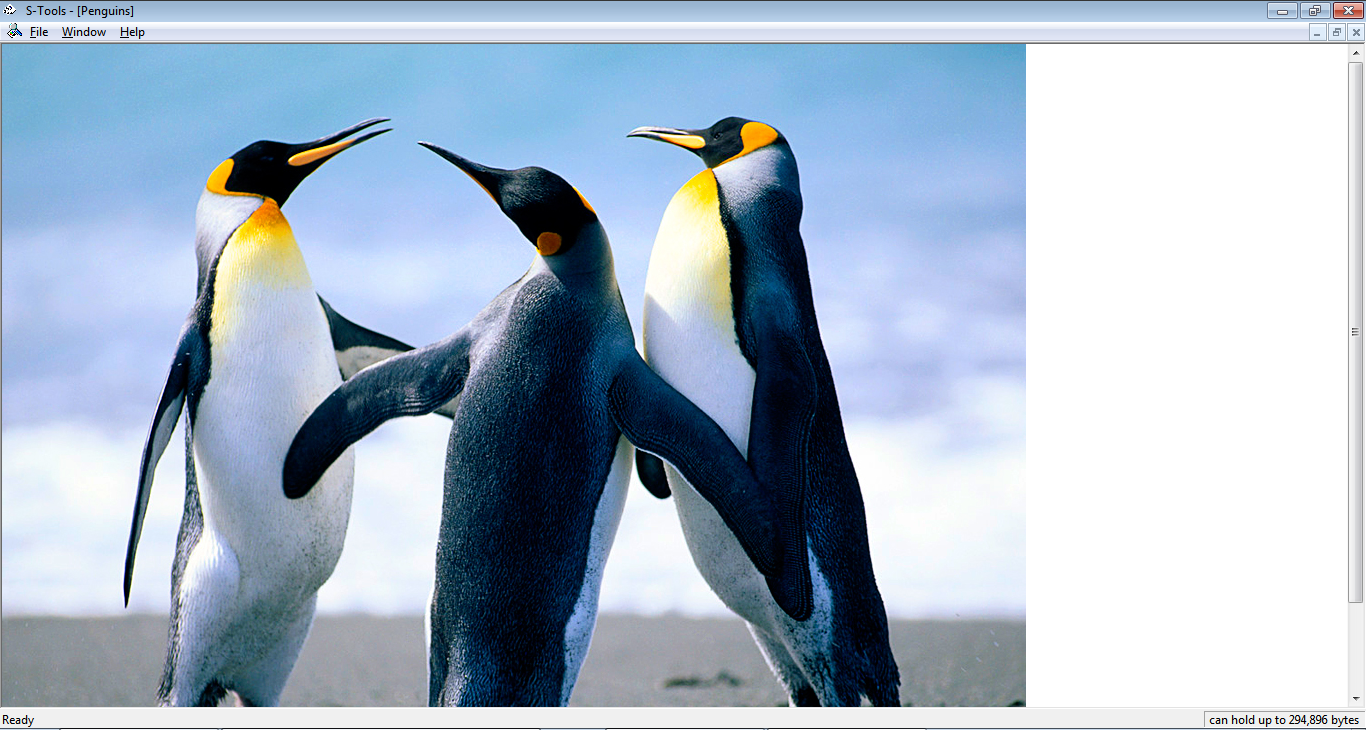
Start s-tool and open any *.bmp image.The information provided by website should be used for educational purpose only, website will not be held responsible in the event any criminal charges be brought against any individuals misusing the information in this website to break the law.
 Create a text file and save it with some content.
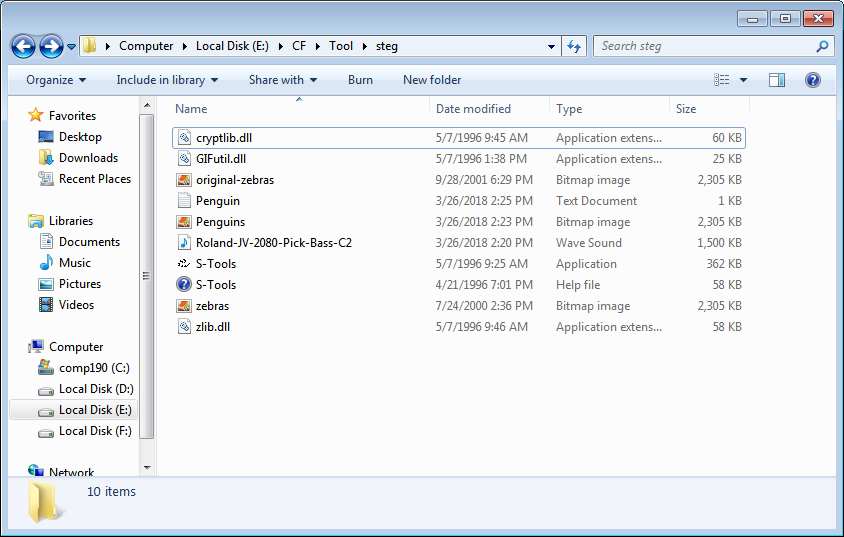
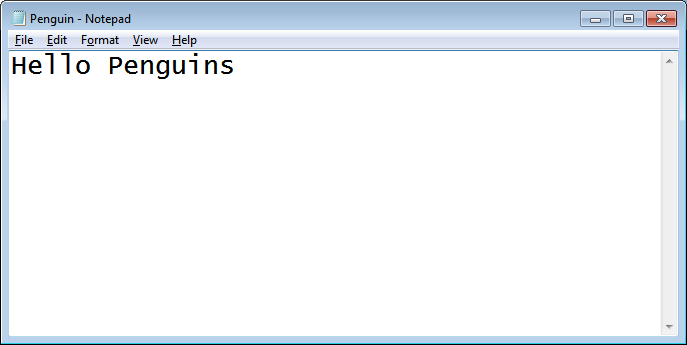 Now drag the *.txt file in tool over image and drop the *.txt file and s-tool will ask to put password to hide image.
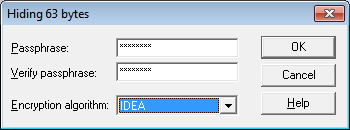 Now we can see two same images with different title name as hidden data. We will right click on image and save it as *.bmp with different name.
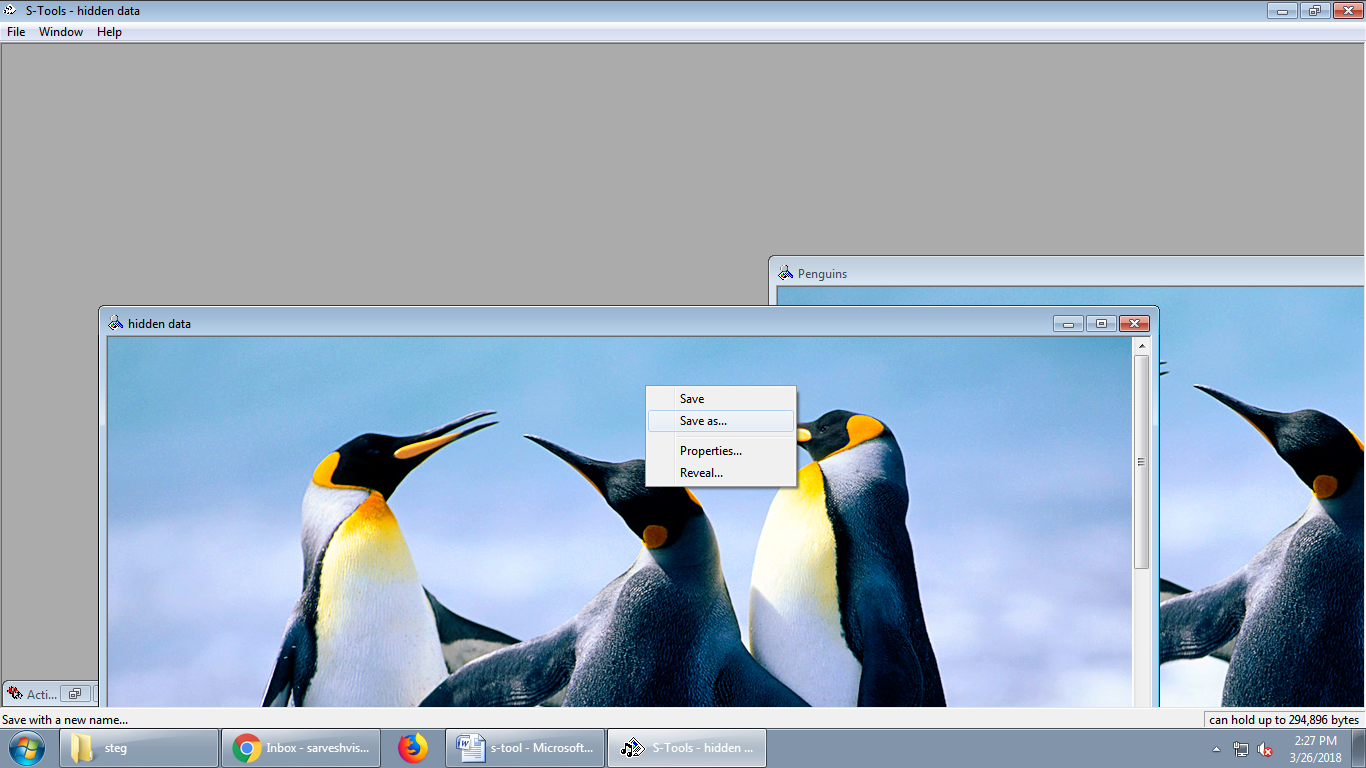
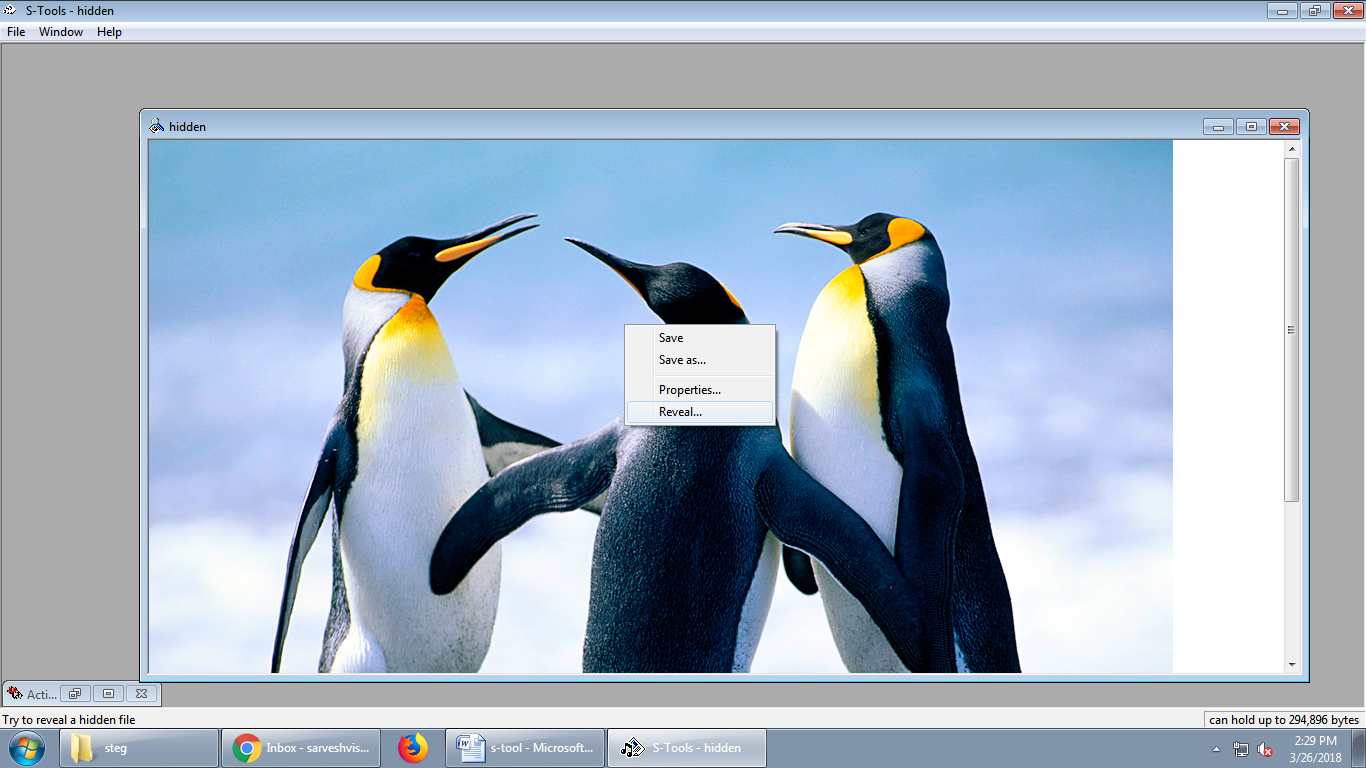
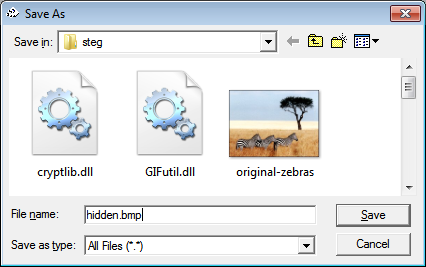 This time open last saved *.bmp file (hidden.bmp) and right click on it and click on reveal to extract hidden data.
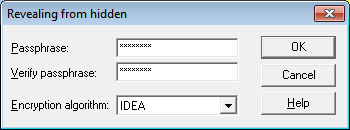
 Again enter same password and same Encryption Algorithm and click OK to proceed
 Now we can see the revealed data and we will right click on reveal file and try to save it.
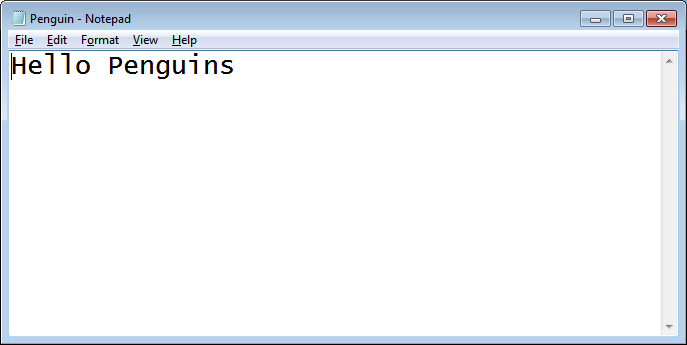
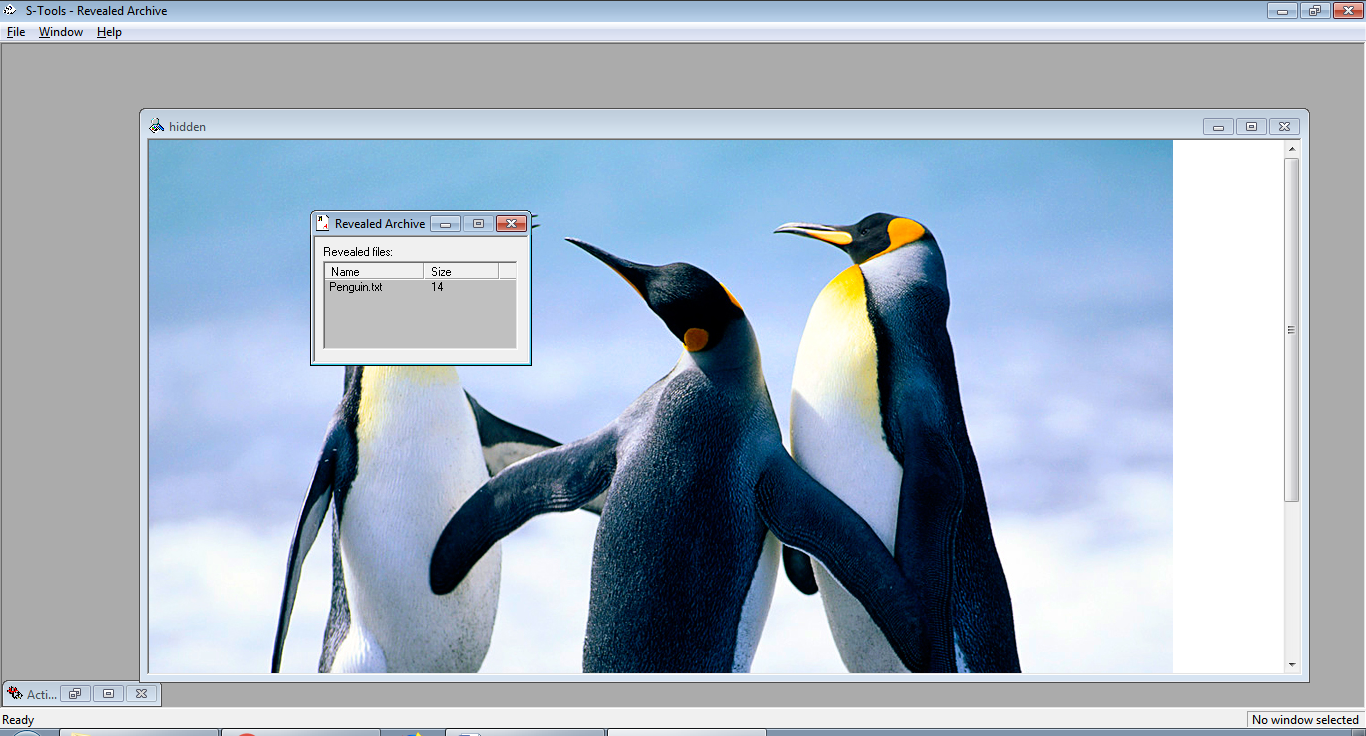 And Now we'll see that, there is no change in *.txt file.
 Audio
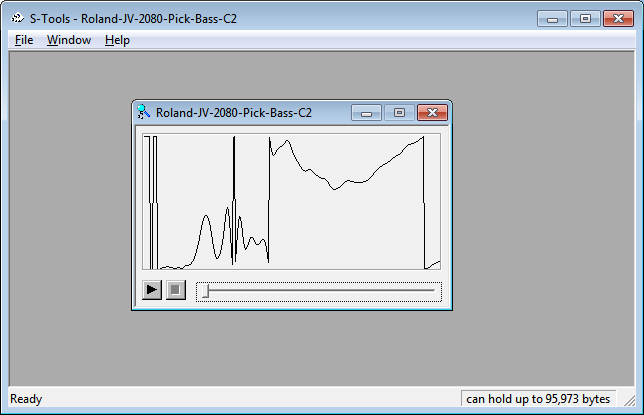
Download *.wav music file and drag it in the s-tool.
Audio
Download *.wav music file and drag it in the s-tool.
 Create a *.txt file .
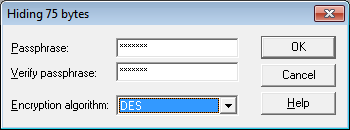
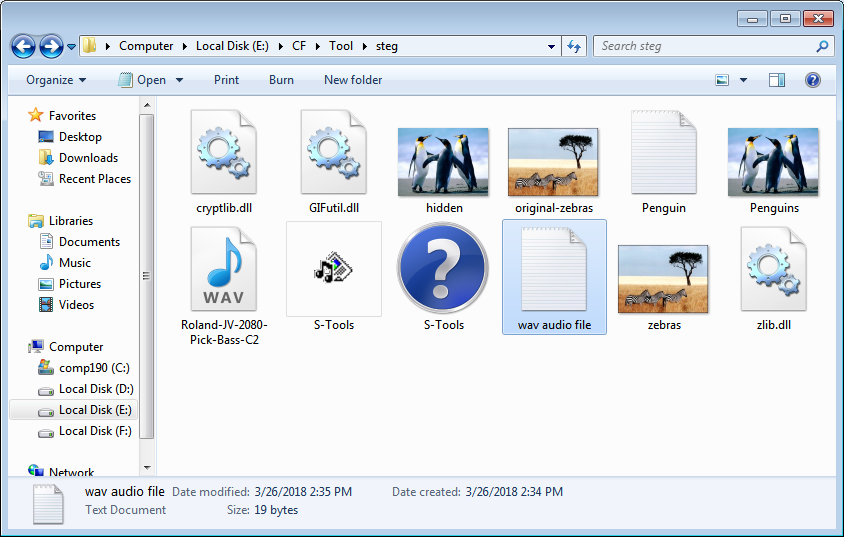 Drag the *.txt file on the image in tool and enter password and select the Algorithm and Finally Click OK.
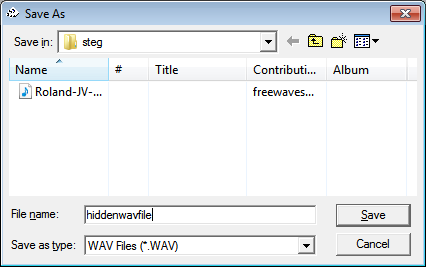
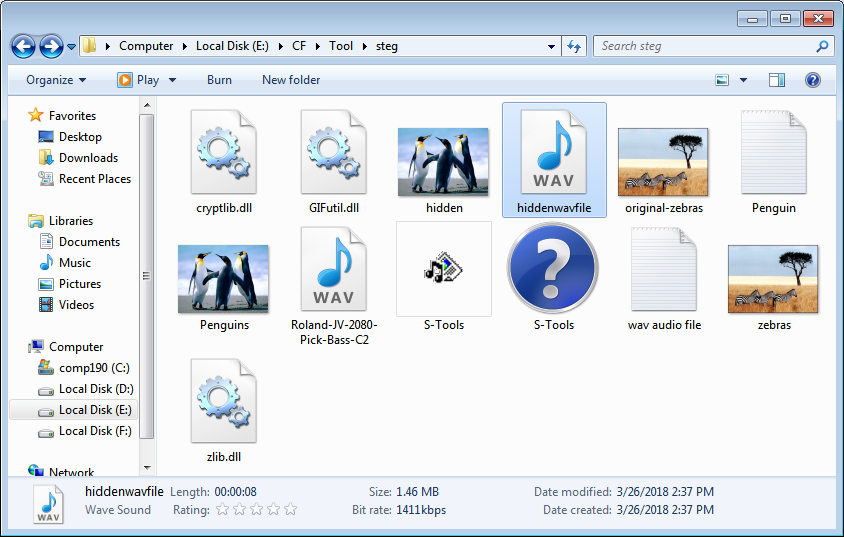
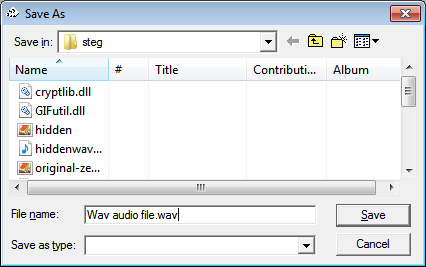
 Save the new Wave file as new *.wav file.
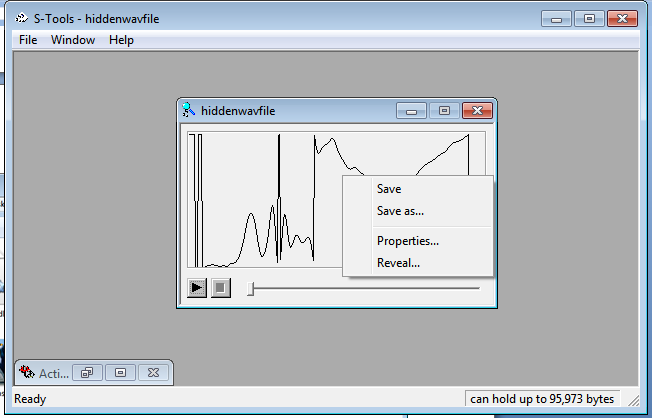
 Drag new *.wav file to s-tool and reveal the file again.
 Again save file with *.txt .
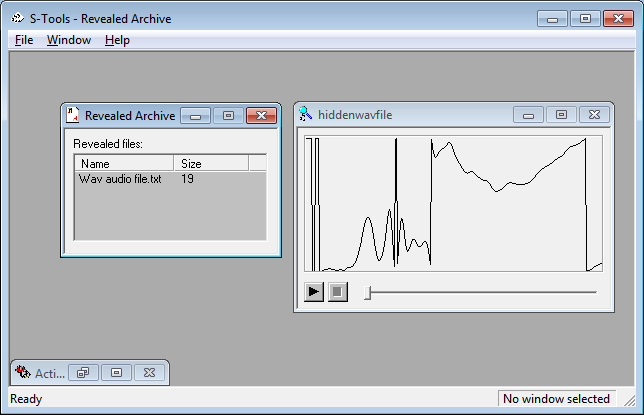
 Again we can see the same *.txt file extracted from *.wav file.