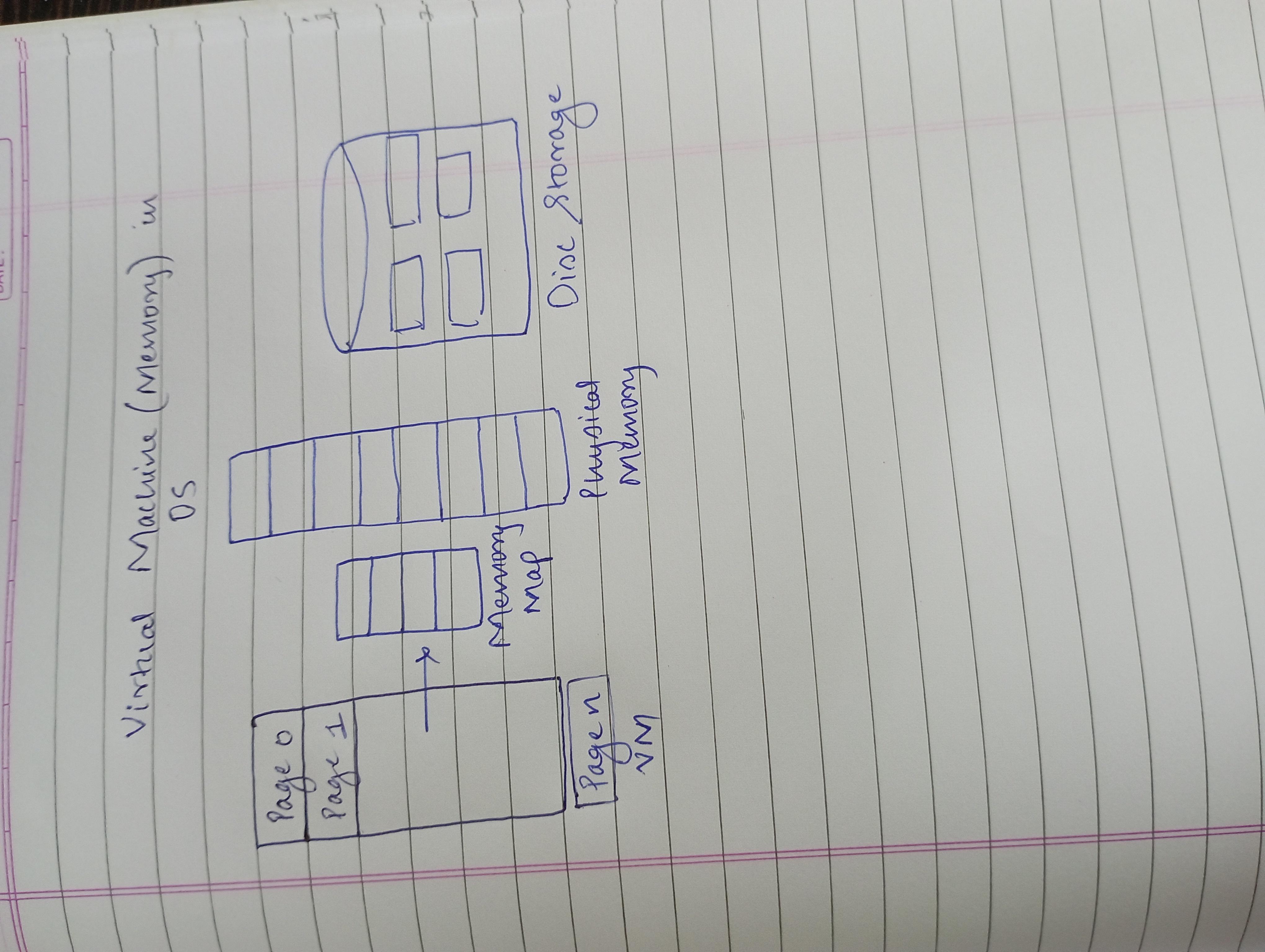
What is a virtual machine?
Virtual machine (VM) is essentially a computer that runs inside another computer. It's a software program that acts like a physical computer with its own CPU, memory, storage, and operating system
Types:
>System Virtual Machines: Most common type of VM designed to run a complete operating system, just like a physical computer. They provide a full virtual environment with virtual CPU, memory, storage, and network interfaces.
>Process Virtual Machines: Less common and focuses on running specific programs or applications rather than entire operating systems.
Architecture:
•Physical Hardware (Host Machine): This is the actual computer with physical resources like CPU, memory, storage, and network interfaces. It acts as the foundation for running virtual machines.
• Hypervisor: This is software that sits directly on the physical hardware. It is the core of VM technology, acting as a virtualisation layer.
Guest Machine (Virtual Machine): This is the software program that acts like a separate computer system running on top of the hypervisor.
Guest OS and Applications: The VM runs its own OS (like Windows, Linux, etc.) and applications just like a physical computer. The OS and applications are unaware that they are running inside a virtual environment.
Advantages:
>Cost savings: It allows to consolidate multiple physical servers onto a single machine which reduces hardware costs.
>Efficiency: It optimizes maximizes hardware utilization and reduces the need for dedicated physical servers for specific tasks.
>Flexibility: It enables running different OS on single system which provides flexibility to test softwares.
>Scalability: They are easily scalable. we can add or remove VM when needed. It adjusts its resource as per demands.
>Testing and development: Developers can test applications on different configurations without affecting their main development machine.
>Training: It is used to create safe training environments for students or employees and allows us to practice skills in a controlled setting without risking damage to your personal computers.