Assignment 1
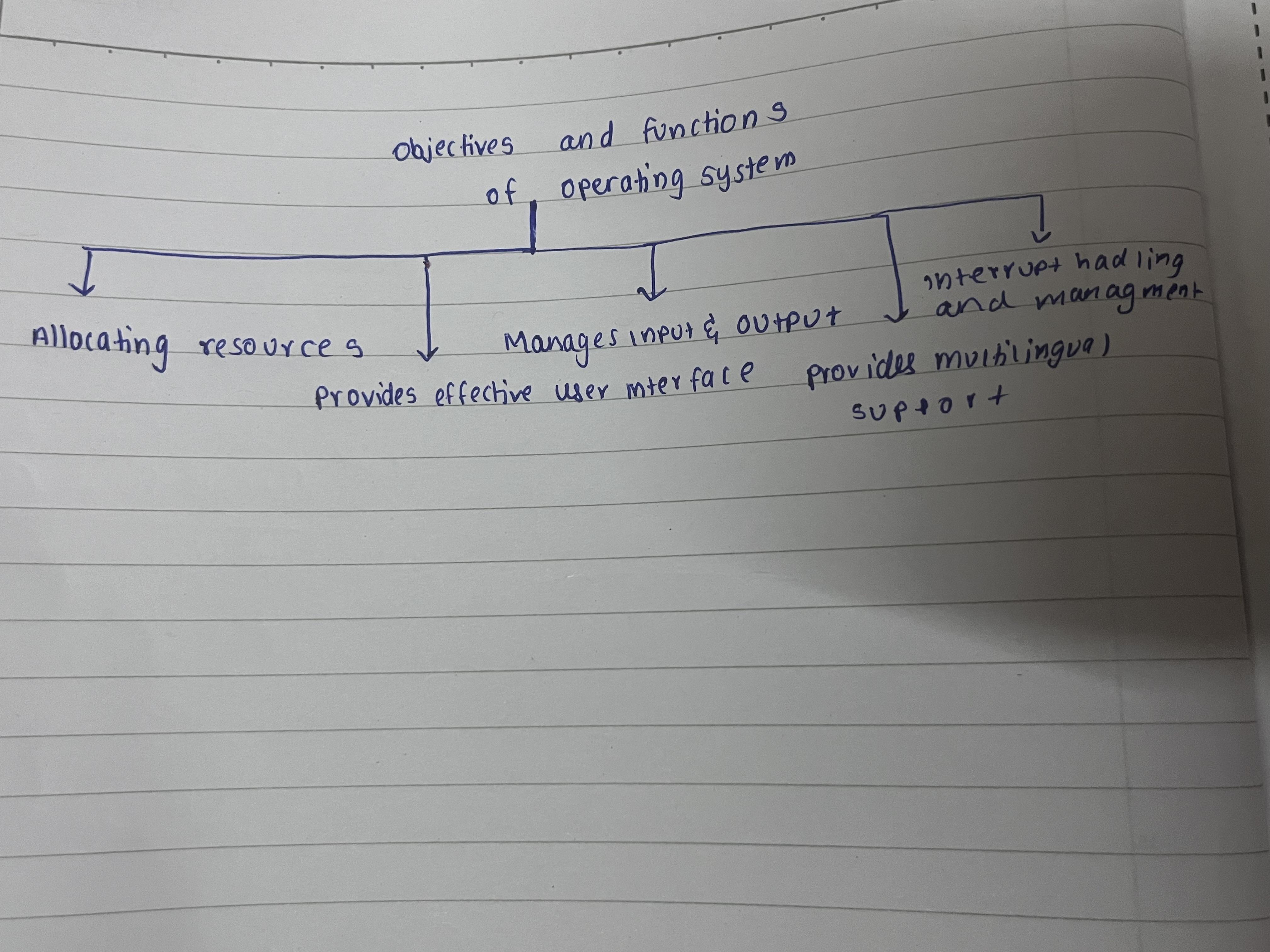
objectives and functions of operating system:
Allocating resources:
one of the objectives of operating system is to allocate resources to processes. For example, if 3 processes need to be performed, the operating system will allocate a resource like a CPU to the tasks so they can be performed.
Provides a effective user interface:
The operating system provides a effective user interface. That means a user can use a computer without learning computer language. So a user does not need to know how to code to use a computer. Operating system has made it possible for user to use computer in languages known to users. For this, data is given by the users to the operating system which converts it to machine language and sends it to the computer so that the computer understands it. This is a internal process which the user can not see and it is very quick.
Manages input and output:
Operating system manages the input and output (I/O). Input management means when a user interacts with a computer by typing on a keyboard, clicking a mouse, moving the cursor the operating system handles these inputs. It ensures that whatever you are doing is understood by the computer and can be used by the programs you want to perform on computer. The output management is done so that the response or the answer that the computer is giving to your action is understood by you. For example if you want to watch a video or print something the operating system will handle the way this information reaches you., it will coordinate with necessary devices like the speaker from which you can hear, the screen on which the video will be displayed to the printer so that your document is printed.
Provides graphical user interface:
Operating system provides graphical user interface (GUI). A graphical user interface includes icons, menus, cursor which allows the user to interact with the computer without difficulties. A user can use the computer without difficulties understanding what to do. Icons make it clear what the app intends to do. This is a part of effective user interface.
Provides multilingual support:
Multilingual support is provided by most operating systems. Since computers are needed and used all over the world the operating systems provide multilingual support so that users all over the world can use computers without difficulties. This helps in making a effective user interface.
Interrupt handling and management:
Operating system manages and handles he interrupts. Interrupts are signals sent by devices or software to the cpu telling it to pause the program going on at that moment or the task being performed to handle something else. Operating systems help in managing the interrupts. This can be done as operating system recognises when an interrupt happens, it pauses the current task to deal with interrupts, then it manages the interrupt by executing a piece of code to respond to interrupt once the interrupt is solved it resumes the task.
~khyati sanghavi
53003230018