Wireshark:
Wireshark is a free and open source packet analyzer.It is uesd for network troubleshooting,analysis,software and communications protocol development , and education.
First we have to install wireshark software for sniffing purpose.
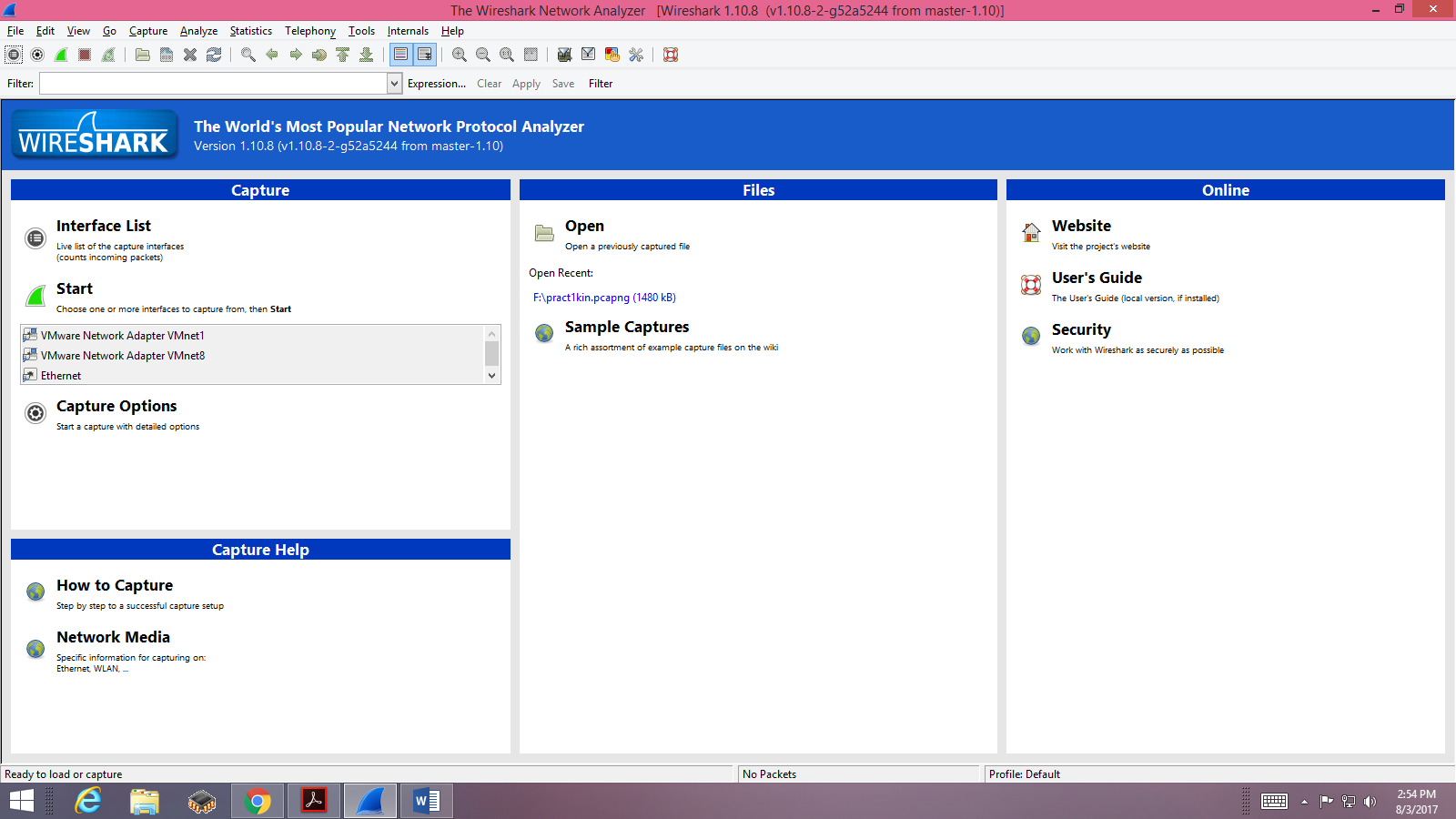
1)Open the wireshark software.
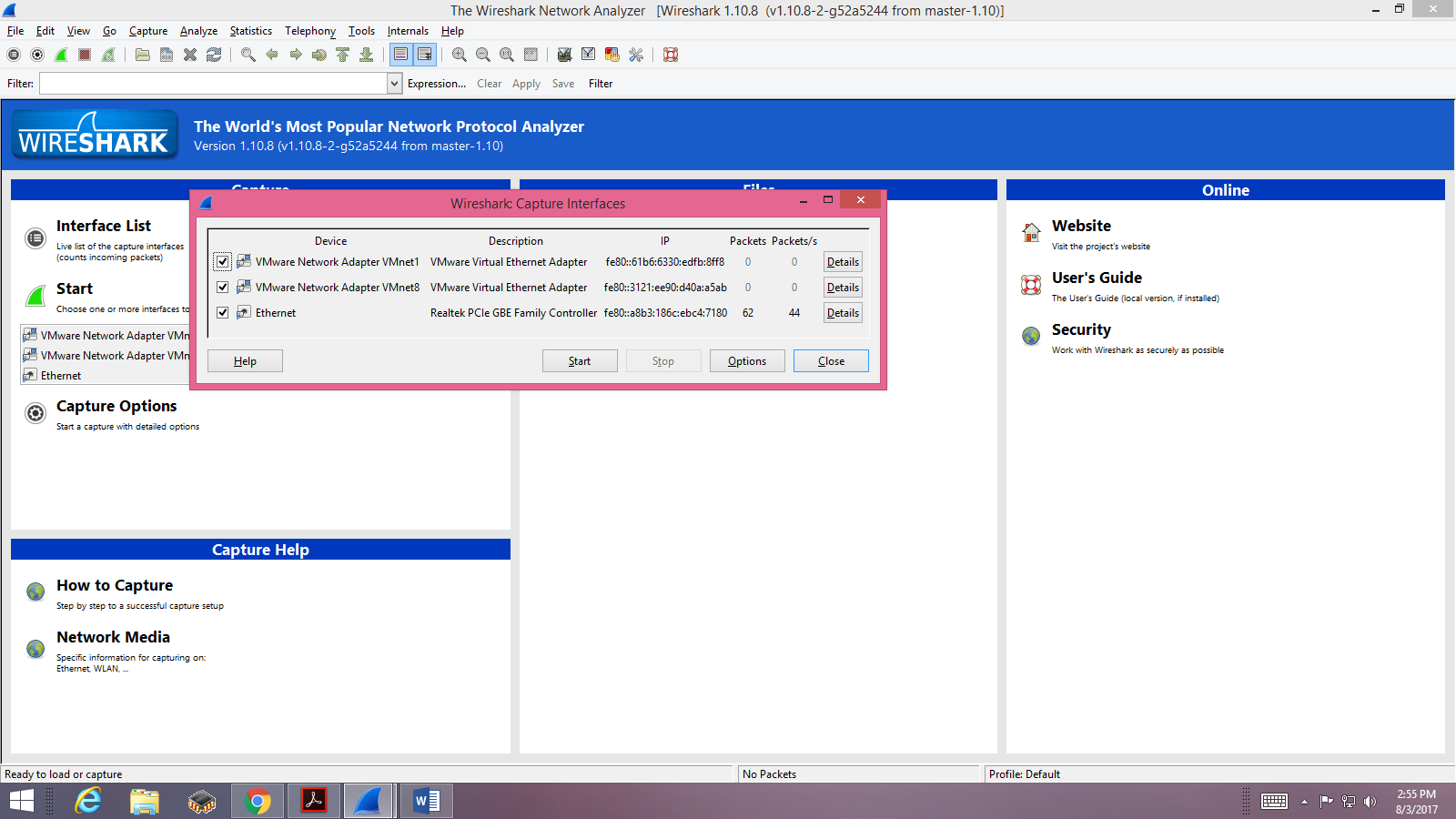
2)Select the option "Interface List". Select the options which you are interesting in. And then click on start button.
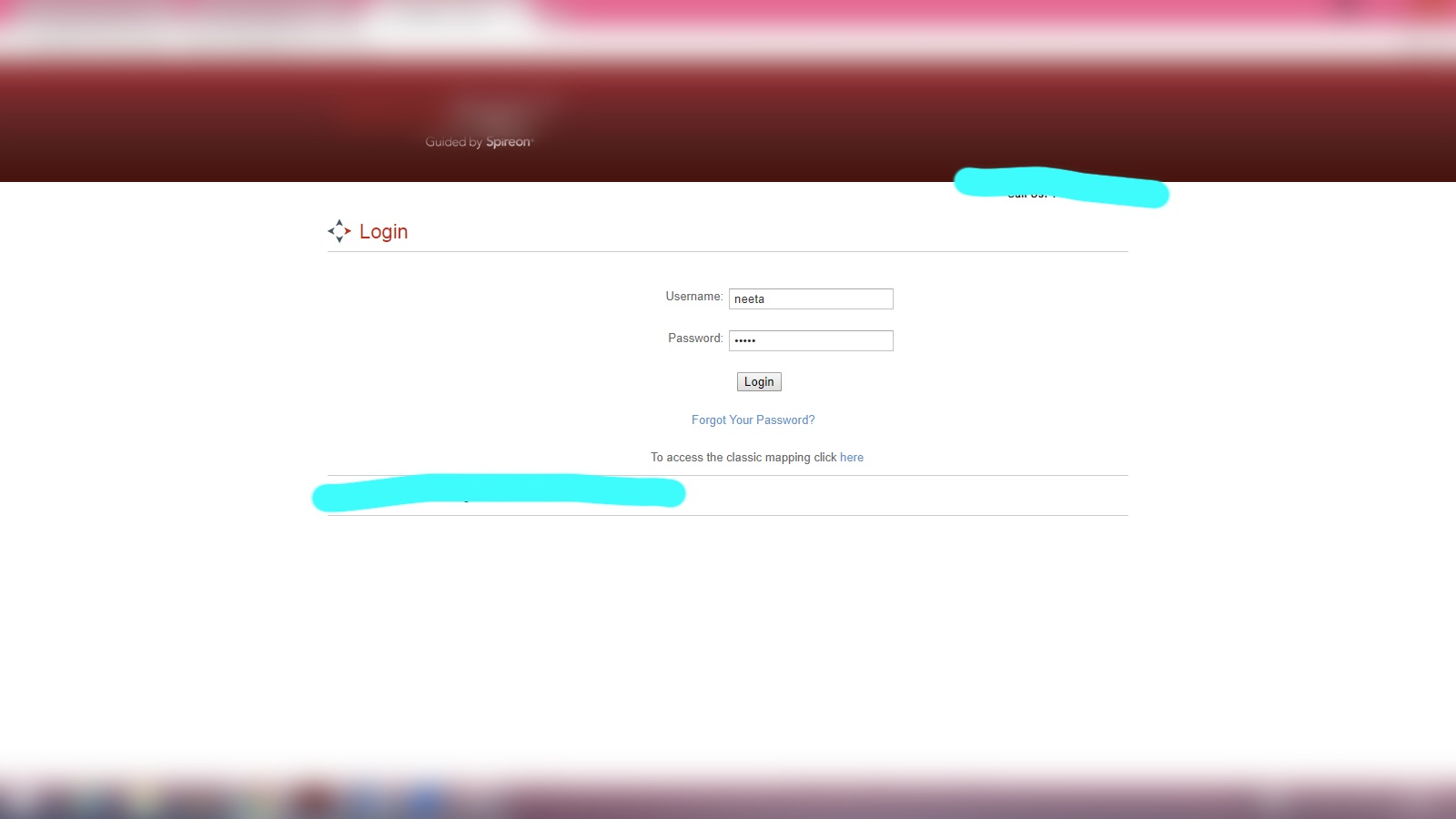
3)Now open the website , from which you want to sniff passwords,user_id, and etc.
For example, I have open a website's login page in which I have type username and password and clicked on Login button.
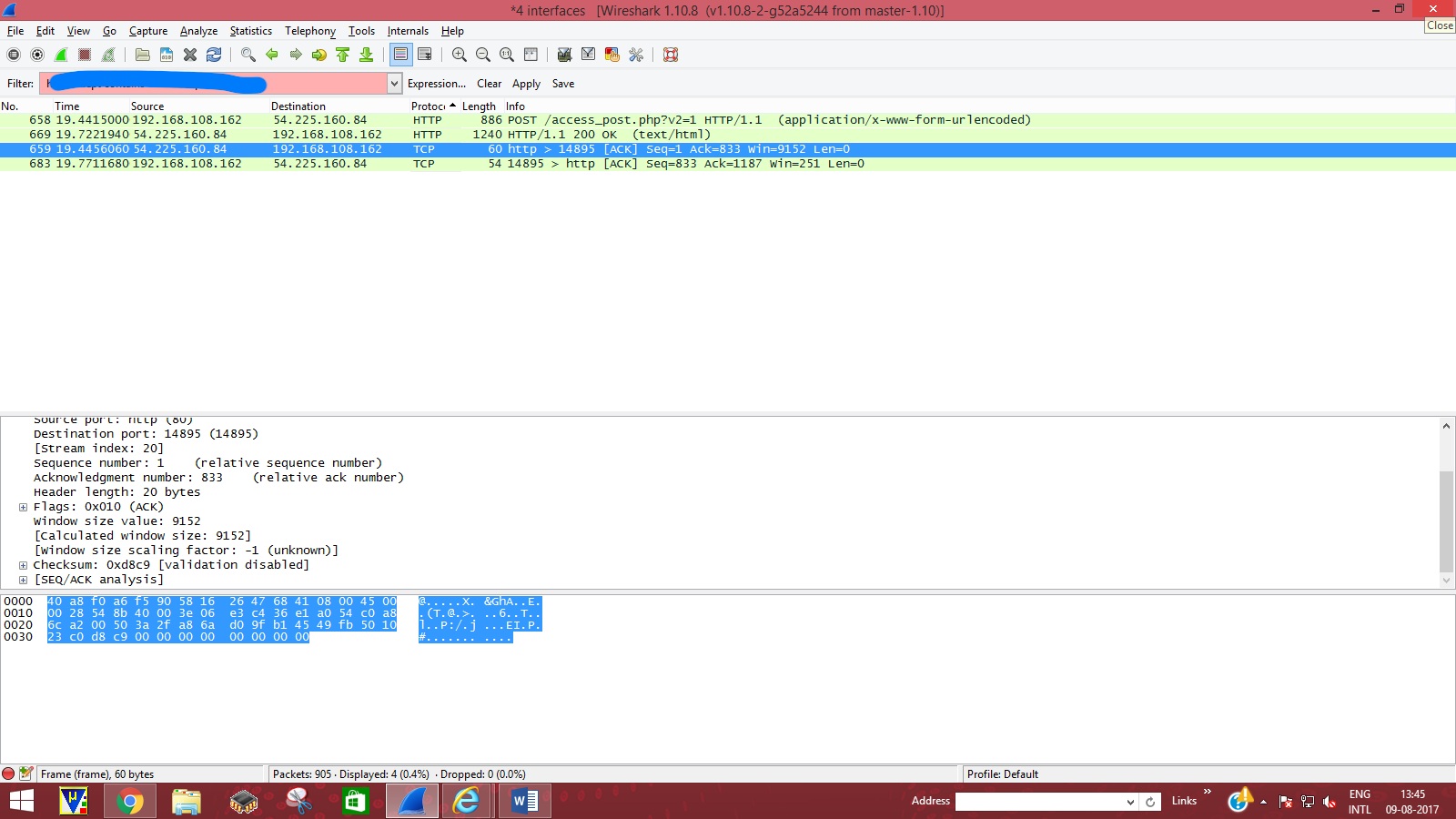
4)Now stop the Wireshark process.We 'll get the list of protocols.In which we have to search ,from where we can get the username and password.
This dialogue box shows the username and password which I had given in the same website's login page.
5)With the use of "Expression" button we can get further an another details.