A computer file is defined as a medium used for saving and managing data in the computer system. The data stored in the computer system is completely in digital format, although there can be various types of files that help us to store the data.
File systems are a crucial part of any operating system, providing a structured way to store, organize, and manage data on storage devices such as hard drives, SSDs, and USB drives. Essentially, a file system acts as a bridge between the operating system and the physical storage hardware, allowing users and applications to create, read, update, and delete files in an organized and efficient manner.
A file system is a method an operating system uses to store, organize, and manage files and directories on a storage device. Some common types of file systems include:
A file is a collection of related information that is recorded on secondary storage. Or file is a collection of logically related entities. From the user’s perspective, a file is the smallest allotment of logical secondary storage.
The name of the file is divided into two parts as shown below:
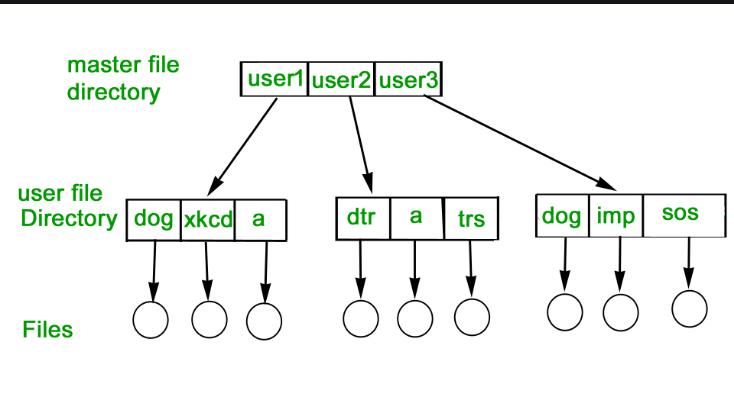
We’ve seen a variety of data structures where the file could be kept. The file system’s job is to keep the files organized in the best way possible.
A free space is created on the hard drive whenever a file is deleted from it. To reallocate them to other files, many of these spaces may need to be recovered. Choosing where to store the files on the hard disc is the main issue with files one block may or may not be used to store a file. It may be kept in the disk’s non-contiguous blocks. We must keep track of all the blocks where the files are partially located.