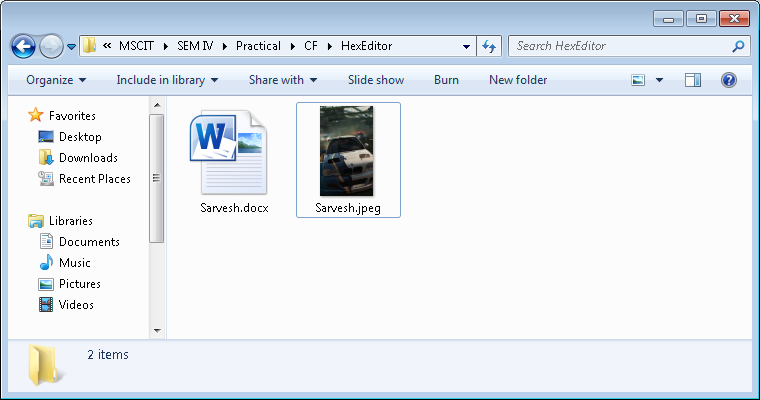
Open hex workshop tool or http://www.hexworkshop.com/ .The information provided by website should be used for educational purpose only, website will not be held responsible in the event any criminal charges be brought against any individuals misusing the information in this website to break the law.
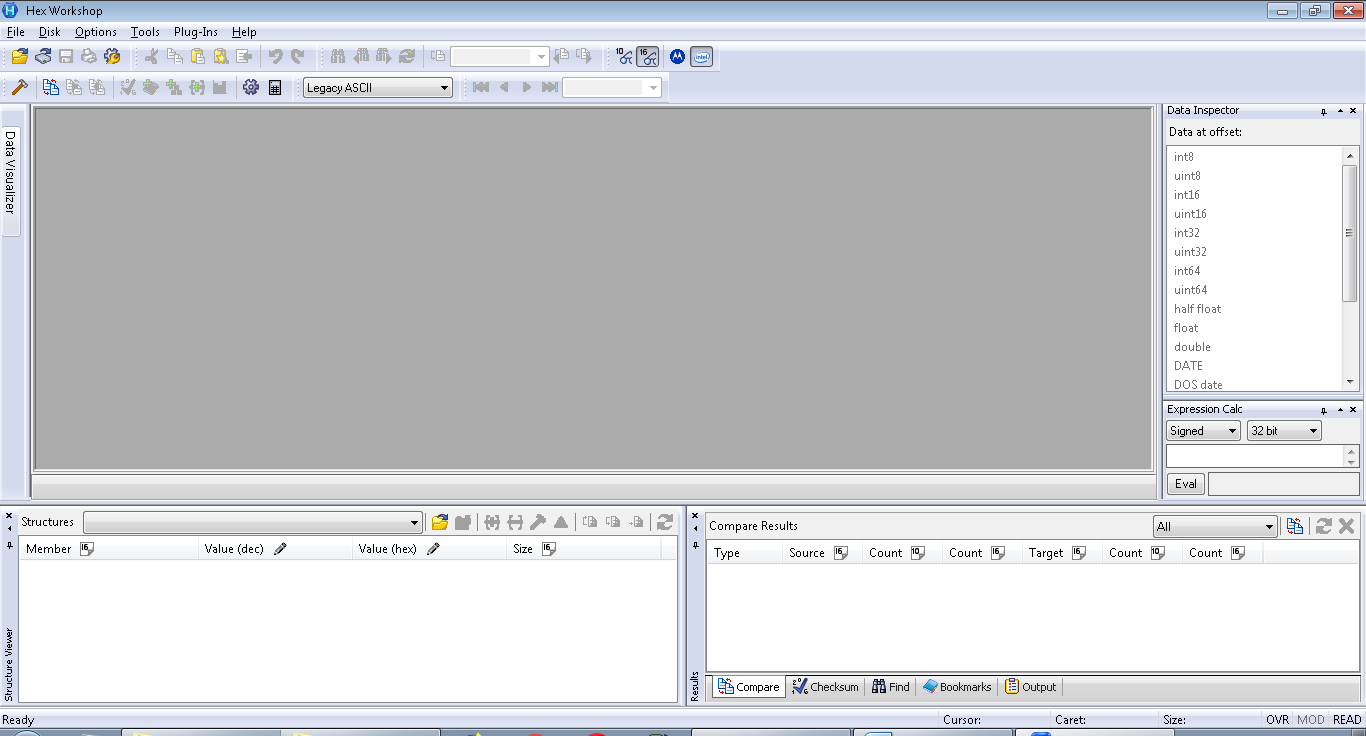 Click on open to open a file.
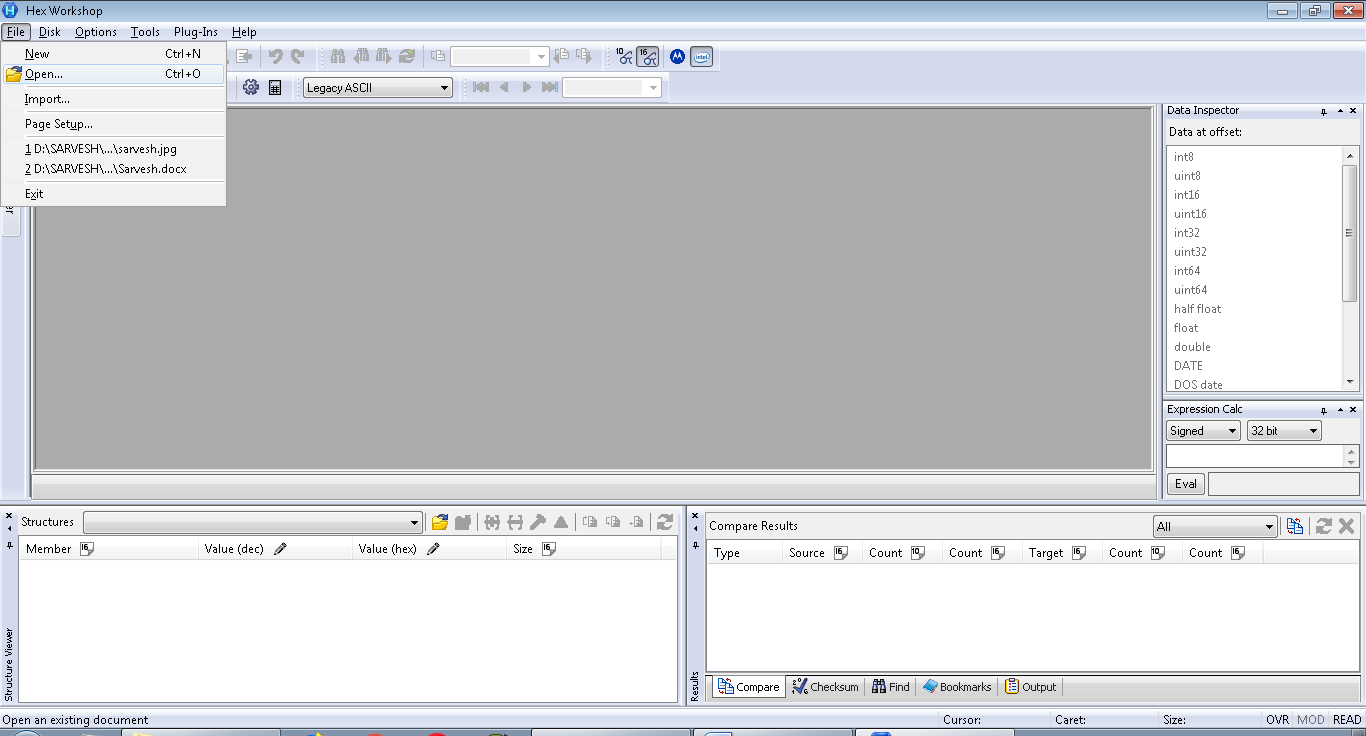 Select the file.
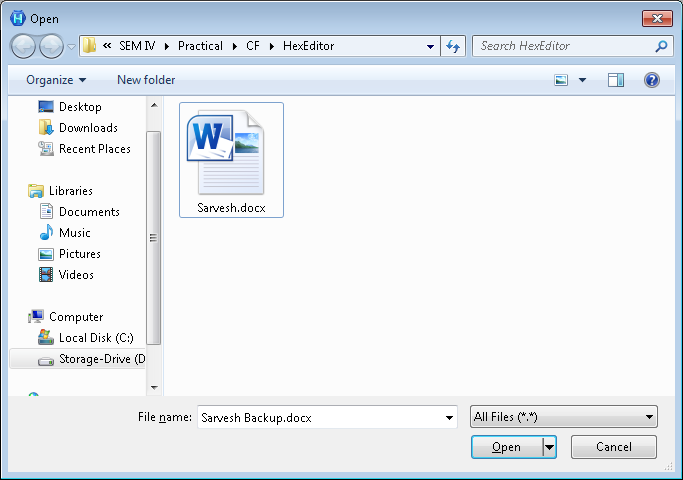 The hex code of file will appear.
 Since we are looking for *.jpg file in *.doc file, so we will find the header of the *.jpg that is common for all *.jpg file, we will find header in the same windows by putting header in find window of same tool.
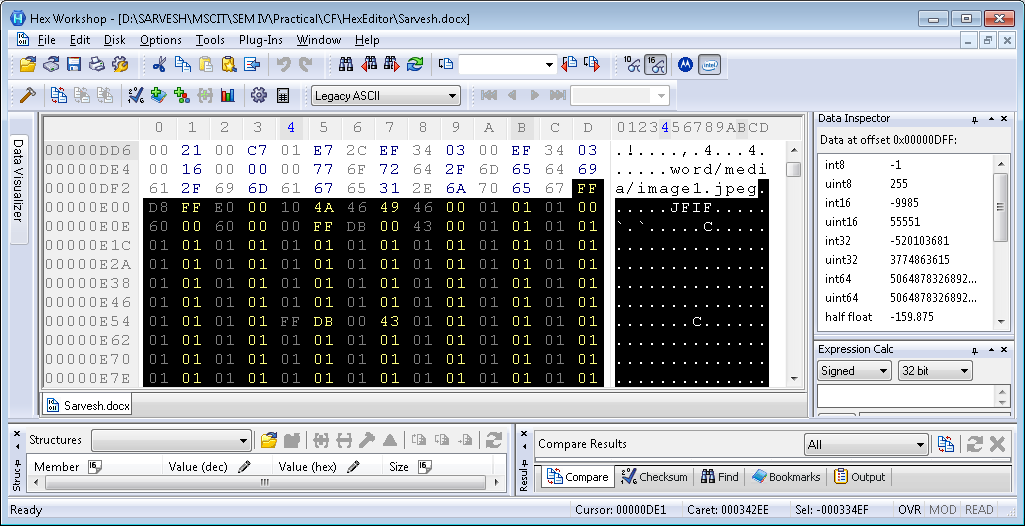
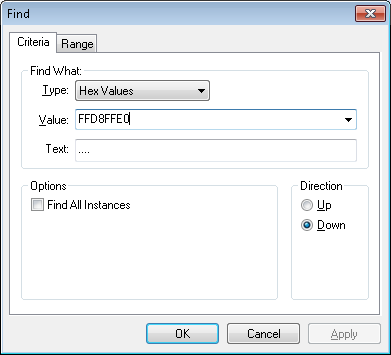 Now we located the header of our *.jpg file on 00000DF2 memory address and we will note it down.
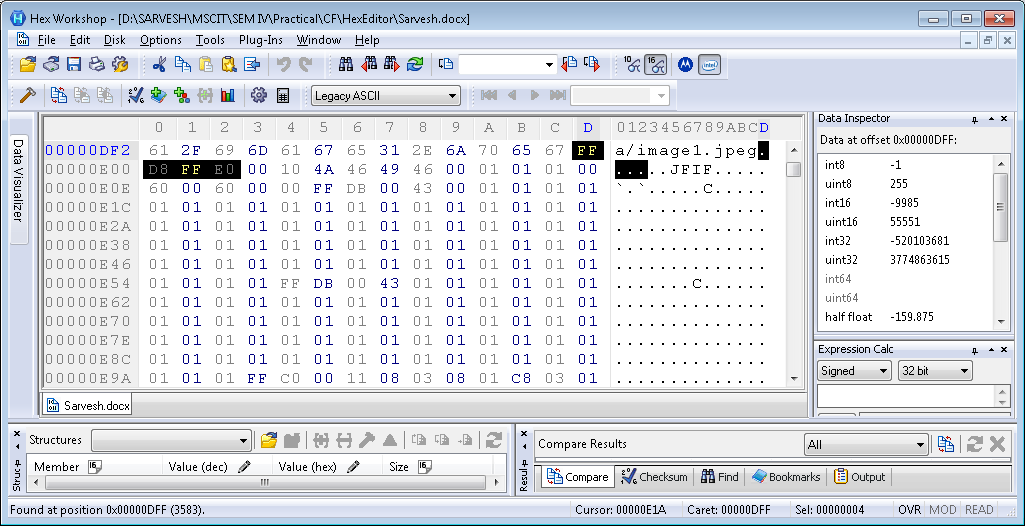 Now we will look for end of the *.jpg file i.e. FFD9. And we will do same as above.
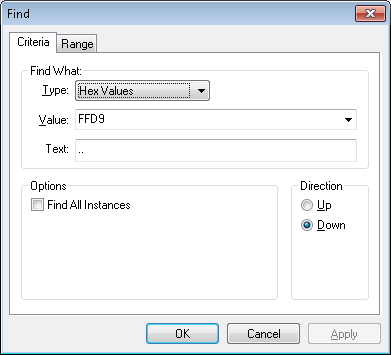 Again we located the end of the *.jpg.
 We will copy the whole hex code between both point and we’ll copy.
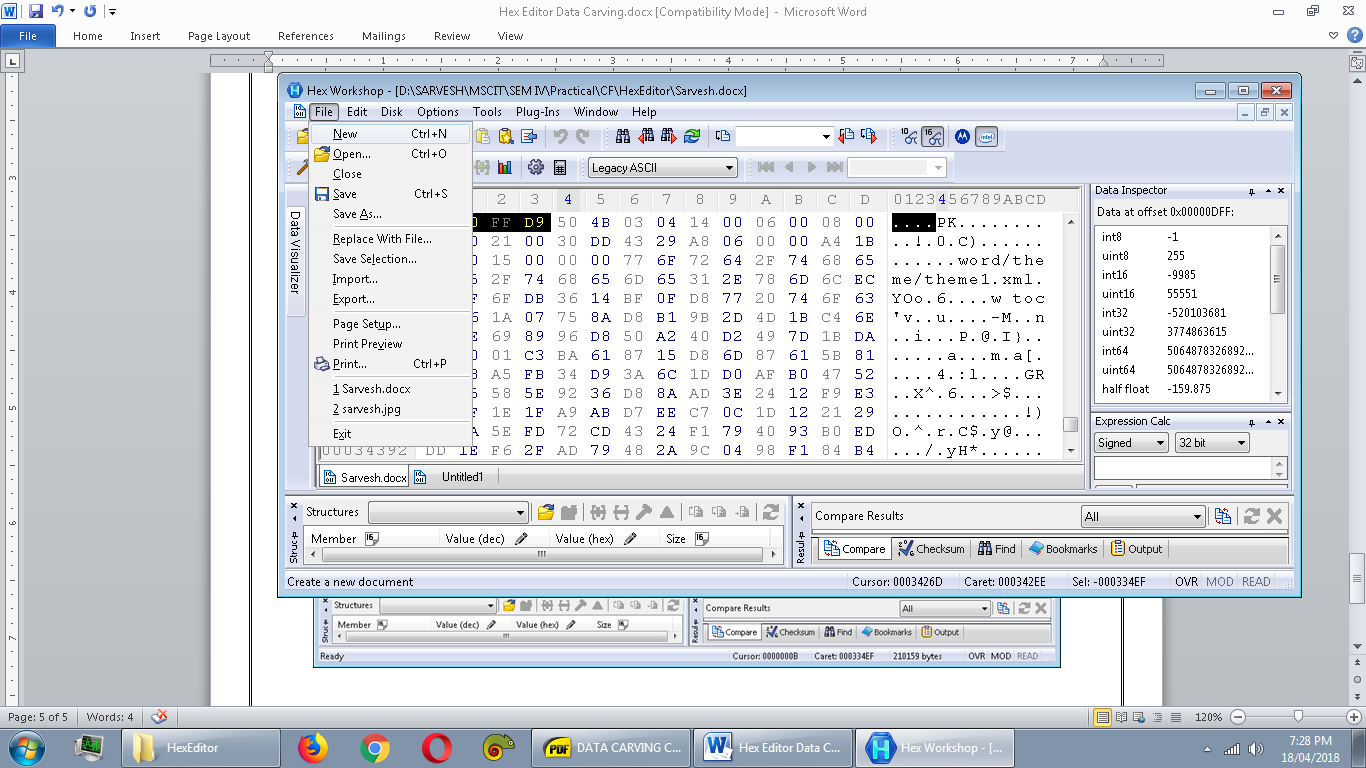
 Click on New to open new blank page , we’ll paste the hex code and we’ll check the initial and end of the header.
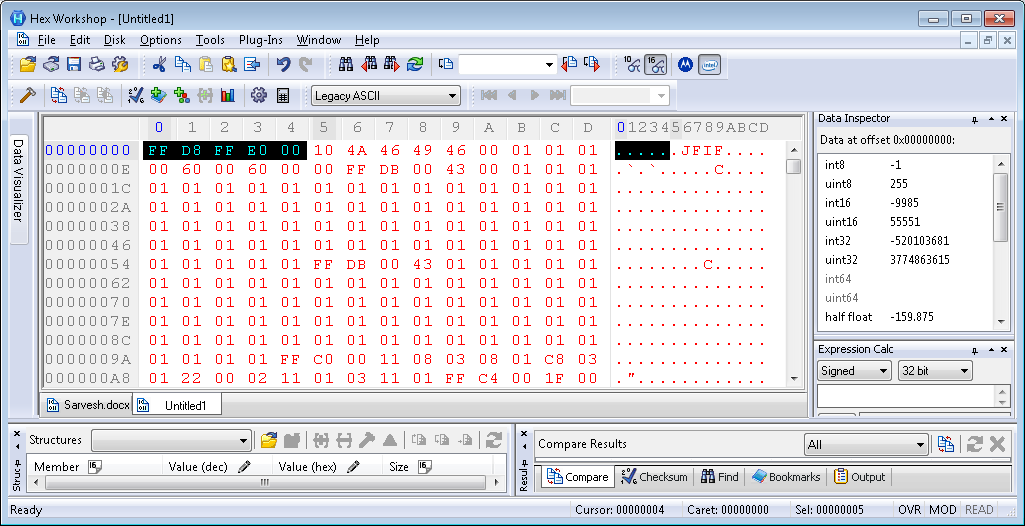
 We will save the file with *.jpg extension.
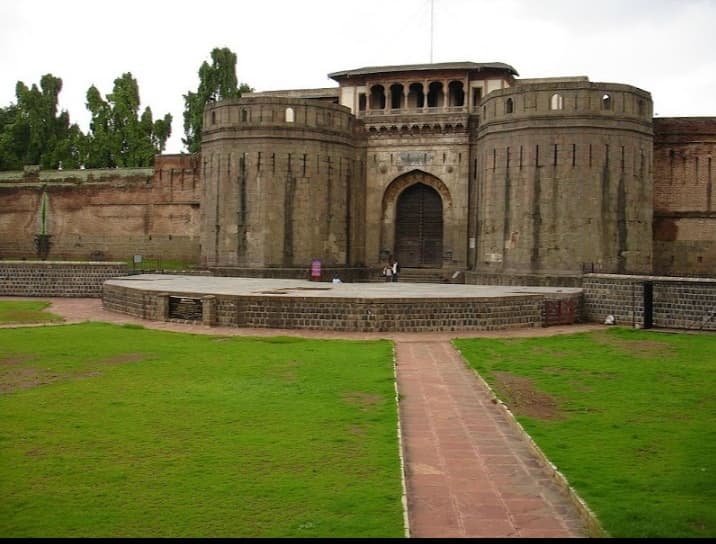
 Now we can see the image.