wisemonkeys logo
FeedNotificationProfile
FeedNotificationSearchSign in
wisemonkeys logo

Blogs

How to Encrypt and Decrypt Using GNU PGP

profile
Kiddoneeta
Oct 08, 2017
0 Likes
0 Discussions
629 Reads

Steps for Installing GPG4WiN:

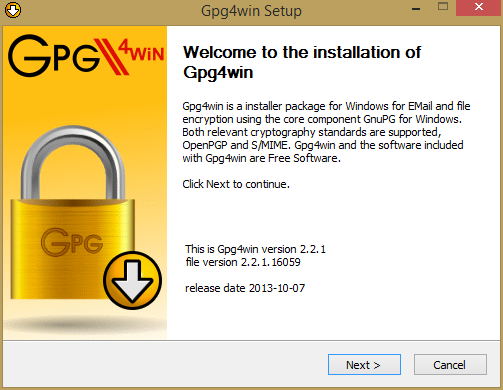
Open gpg4win setup file and then click on Next button

How to Encrypt and Decrypt Using GNU PGP

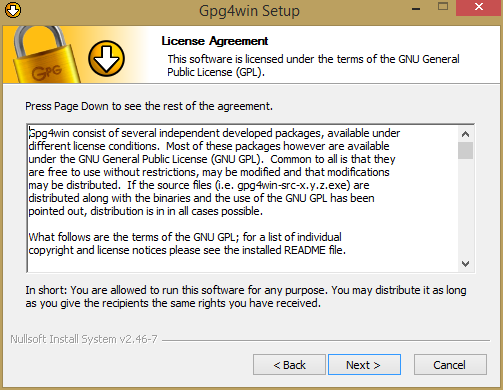
Click on Next button

How to Encrypt and Decrypt Using GNU PGP

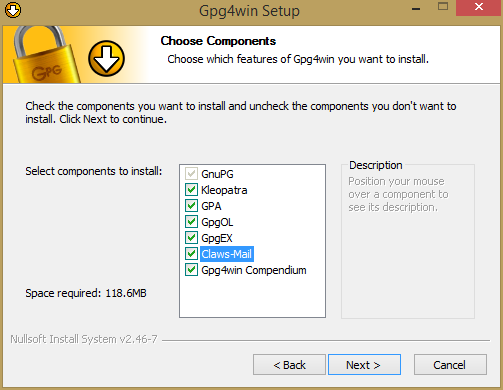
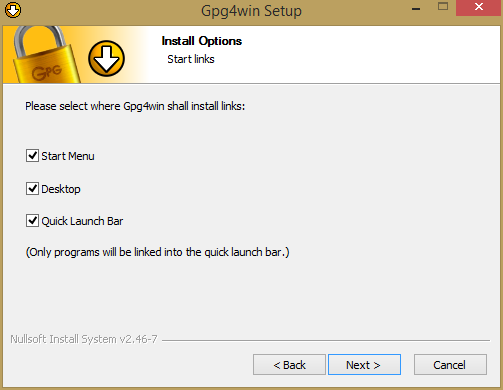
Select all options and then click on Next button

How to Encrypt and Decrypt Using GNU PGP

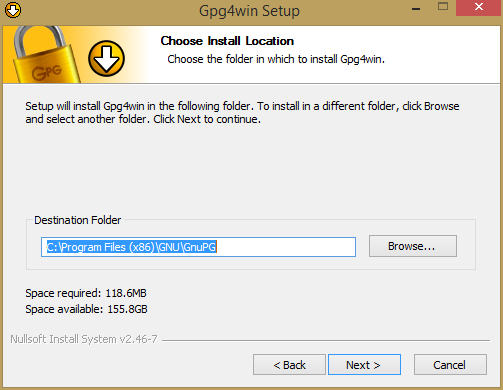
Select destination for where it is going to save

How to Encrypt and Decrypt Using GNU PGP

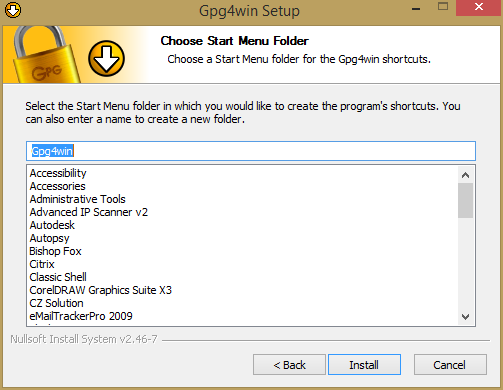
Select all options and then click on Next button

How to Encrypt and Decrypt Using GNU PGP

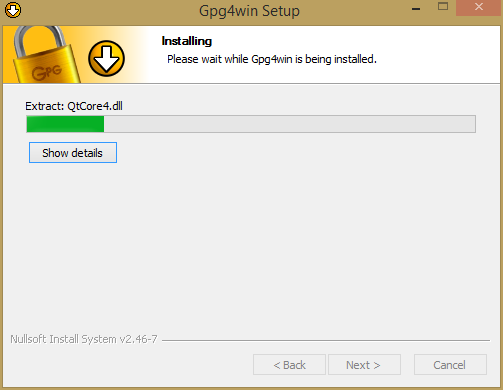
Click on Install button

How to Encrypt and Decrypt Using GNU PGP

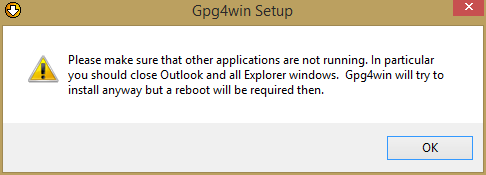
Click on OK button

How to Encrypt and Decrypt Using GNU PGP

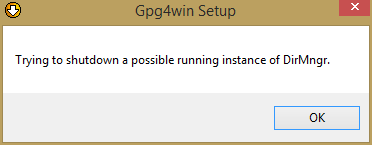
Click on OK button

How to Encrypt and Decrypt Using GNU PGP How to Encrypt and Decrypt Using GNU PGP

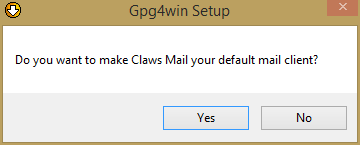
Click on Yes button

How to Encrypt and Decrypt Using GNU PGP

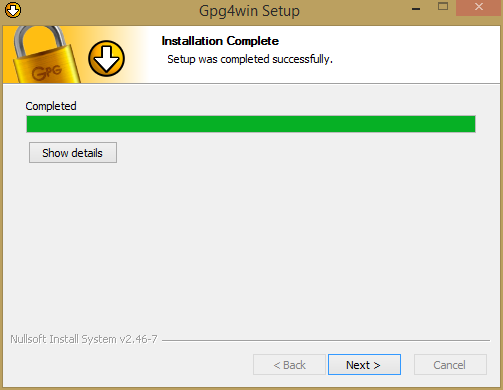
Click on Next button

How to Encrypt and Decrypt Using GNU PGP

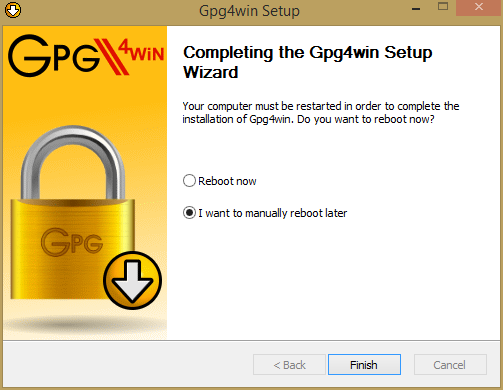
Select option "I want to manually reboot later". And click on Finish button

How to Encrypt and Decrypt Using GNU PGP

Now open the software GPA

How to Encrypt and Decrypt Using GNU PGP

Generating private keys:

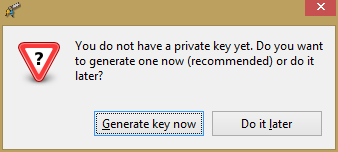
Click on Generate key now button

How to Encrypt and Decrypt Using GNU PGP

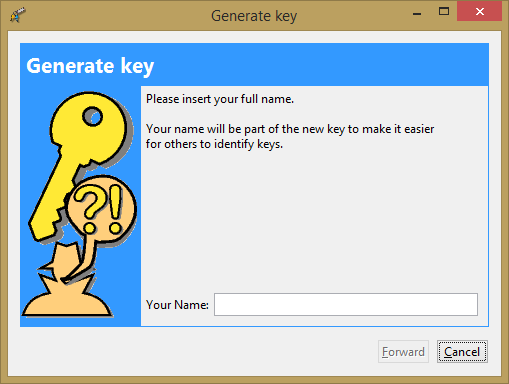
How to Encrypt and Decrypt Using GNU PGP

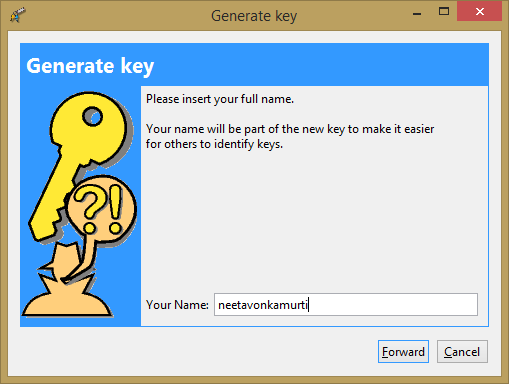
Enter the name

How to Encrypt and Decrypt Using GNU PGP

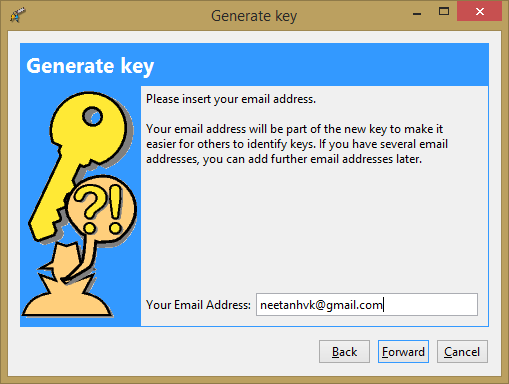
Enter Email Address

How to Encrypt and Decrypt Using GNU PGP

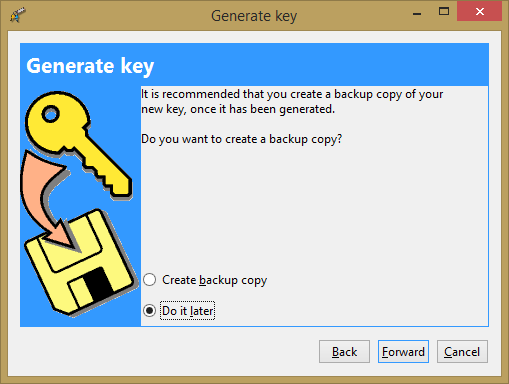
Select option "Do it later" and then click on Forward button

How to Encrypt and Decrypt Using GNU PGP How to Encrypt and Decrypt Using GNU PGP

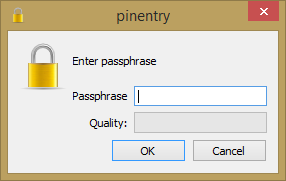
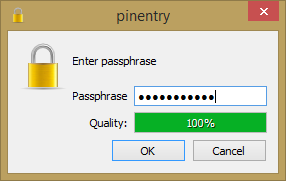
Enter password and click on OK button

How to Encrypt and Decrypt Using GNU PGP

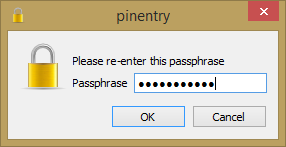
Re-Enter the same password and click OK button

How to Encrypt and Decrypt Using GNU PGP

This will generate the key.

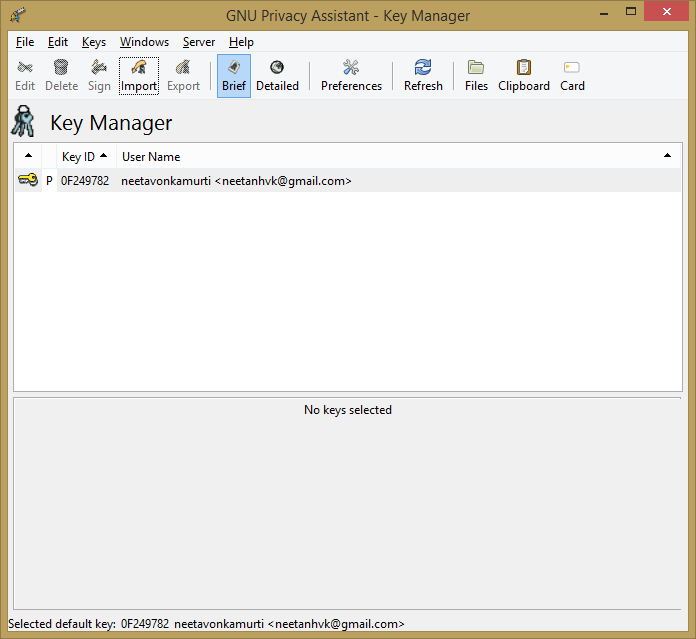
Exporting keys:

How to Encrypt and Decrypt Using GNU PGP

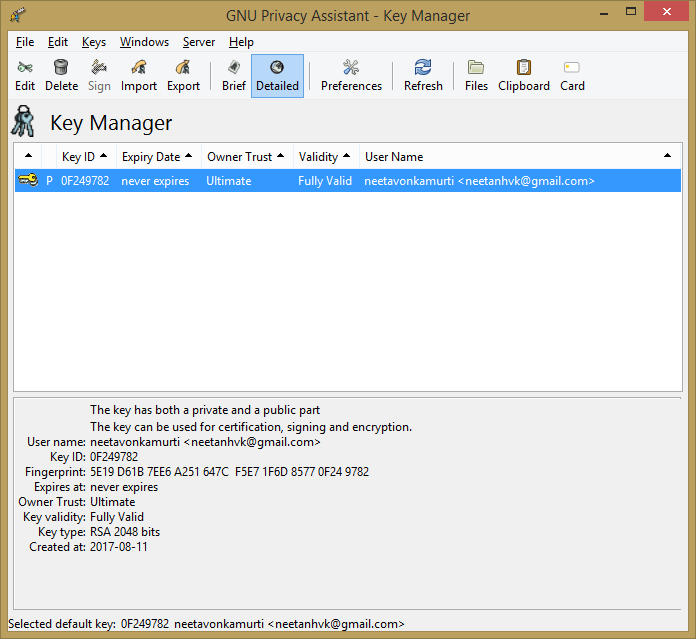
Click on Detailed button
How to Encrypt and Decrypt Using GNU PGP
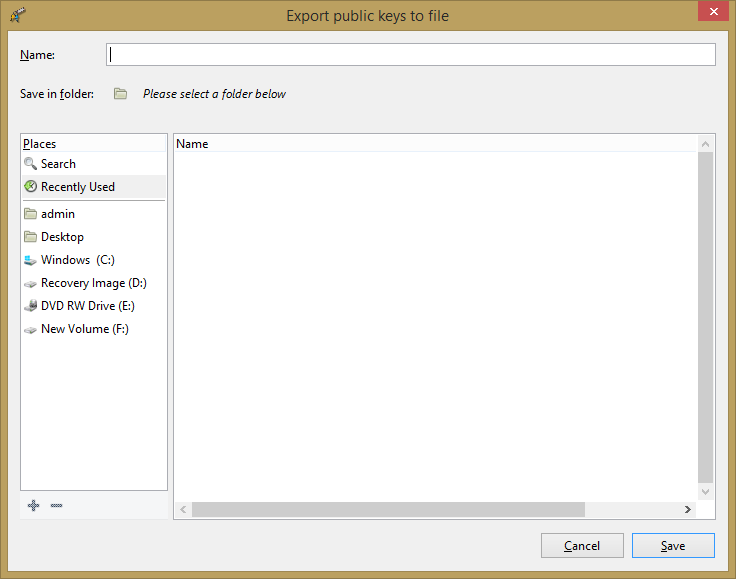
Click on Export tab

How to Encrypt and Decrypt Using GNU PGP

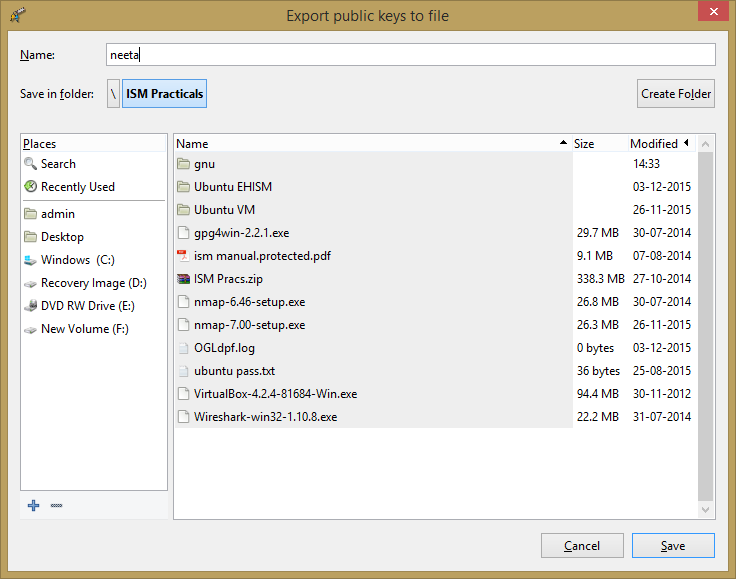
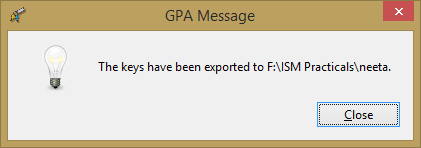
Give name to the file

How to Encrypt and Decrypt Using GNU PGP How to Encrypt and Decrypt Using GNU PGP

For Encrypt,

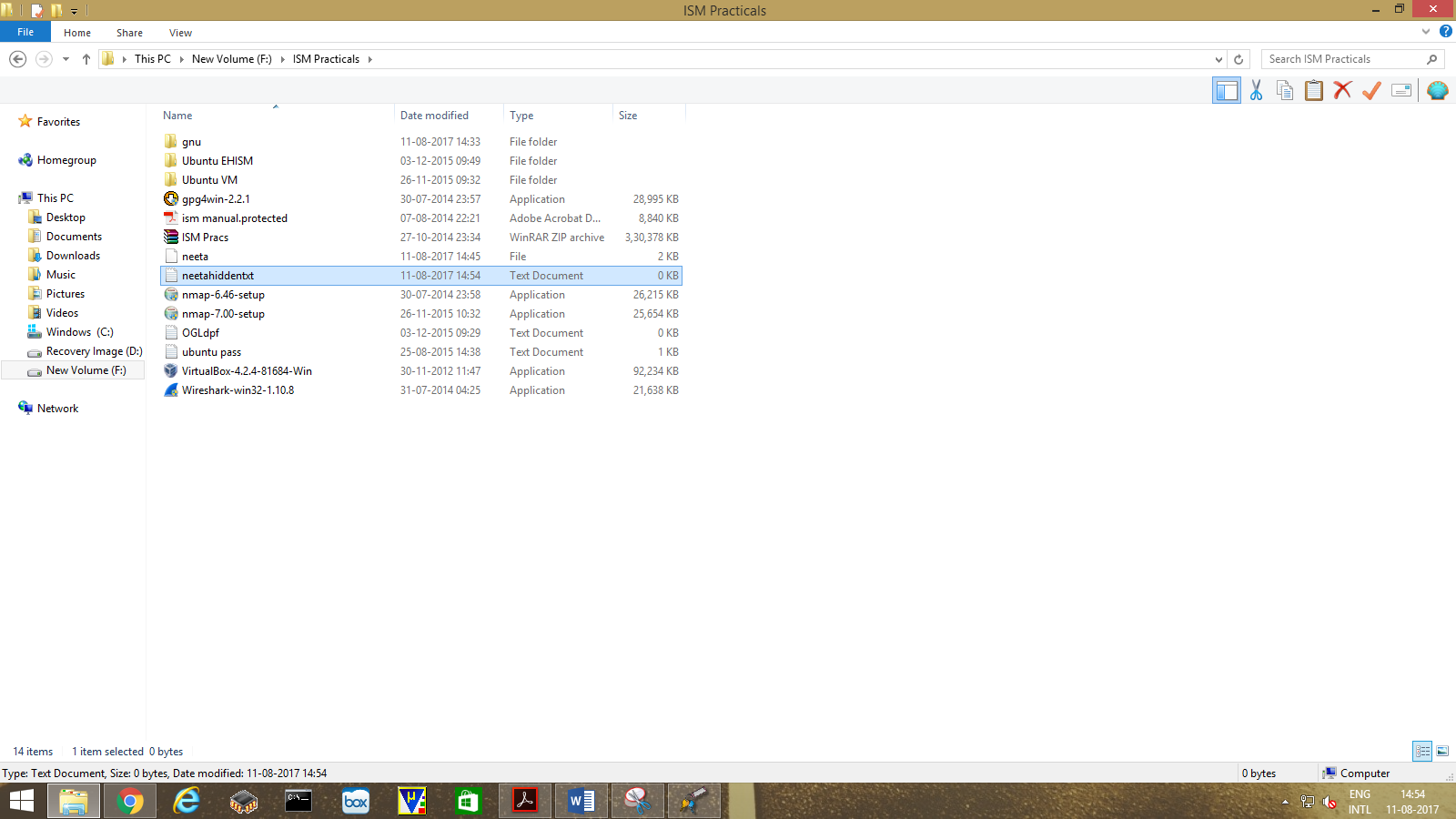
Create new text file . Write few text on it like "This is hidden text" and Save it.

How to Encrypt and Decrypt Using GNU PGP

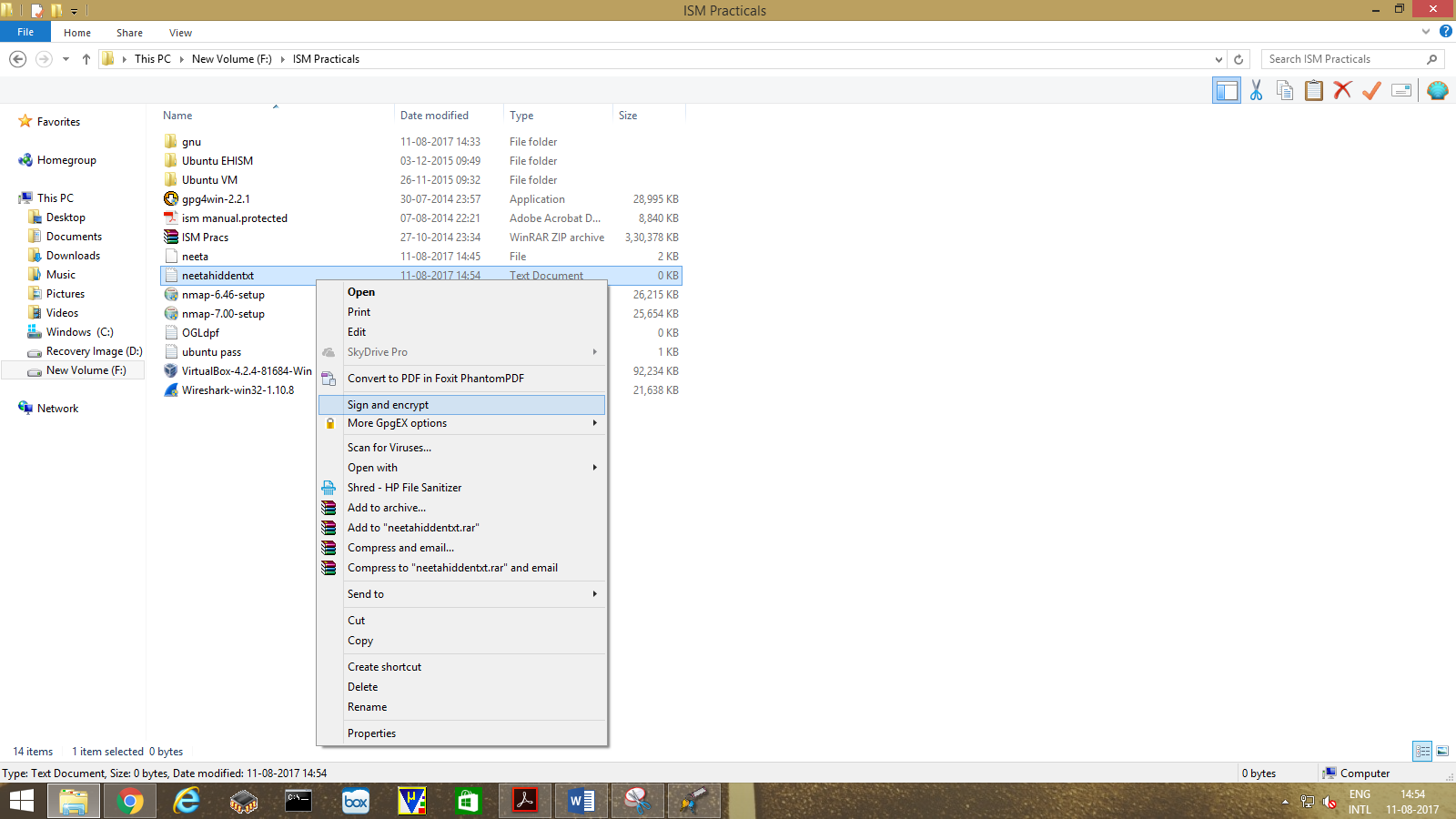
Right Click on that text file. Select "Sign and Encrypt".

How to Encrypt and Decrypt Using GNU PGP

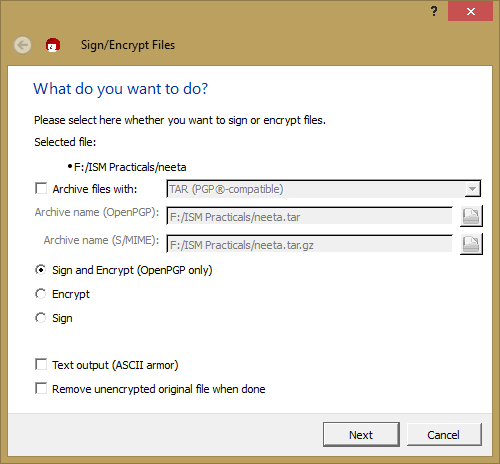
Select the option "Sign and Encrypt (OpenPGP only)" and click Next button

How to Encrypt and Decrypt Using GNU PGP

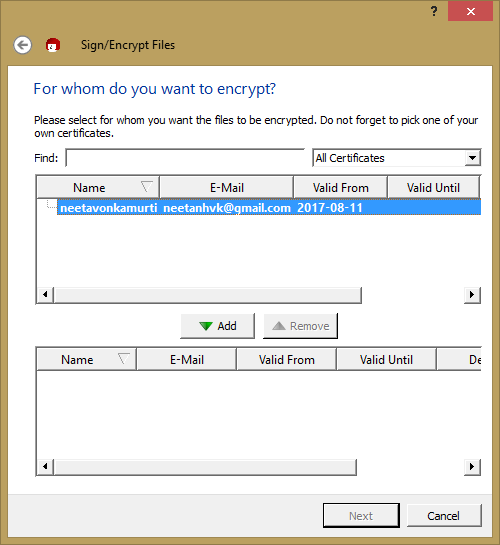
Select the file and click on ADD button

How to Encrypt and Decrypt Using GNU PGP

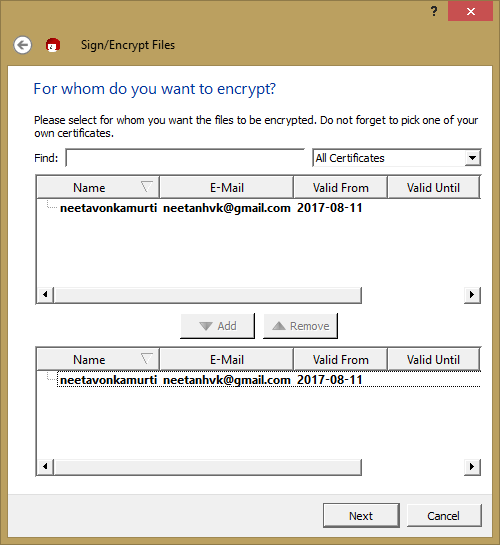
Then click on Next button

How to Encrypt and Decrypt Using GNU PGP

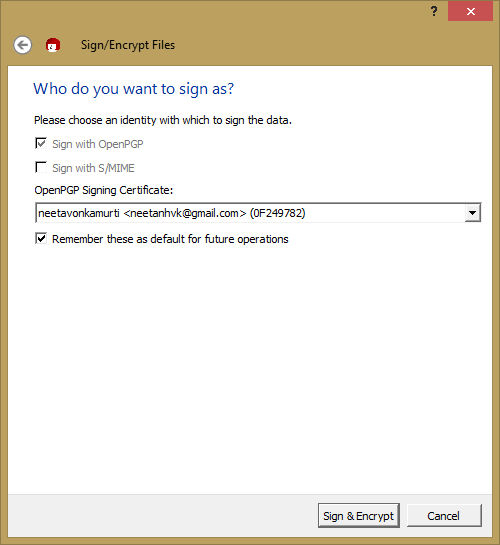
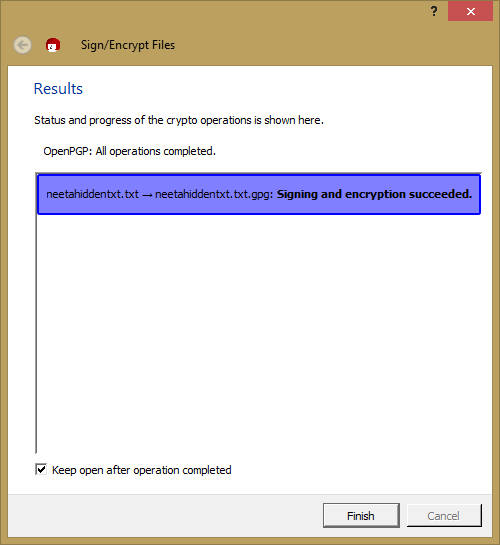
Click on "Sign & Encrypt" button

How to Encrypt and Decrypt Using GNU PGP

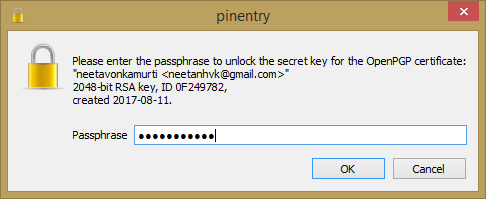
Type password as you had given pervious and click on OK button

How to Encrypt and Decrypt Using GNU PGP

Click on Finish button

How to Encrypt and Decrypt Using GNU PGP

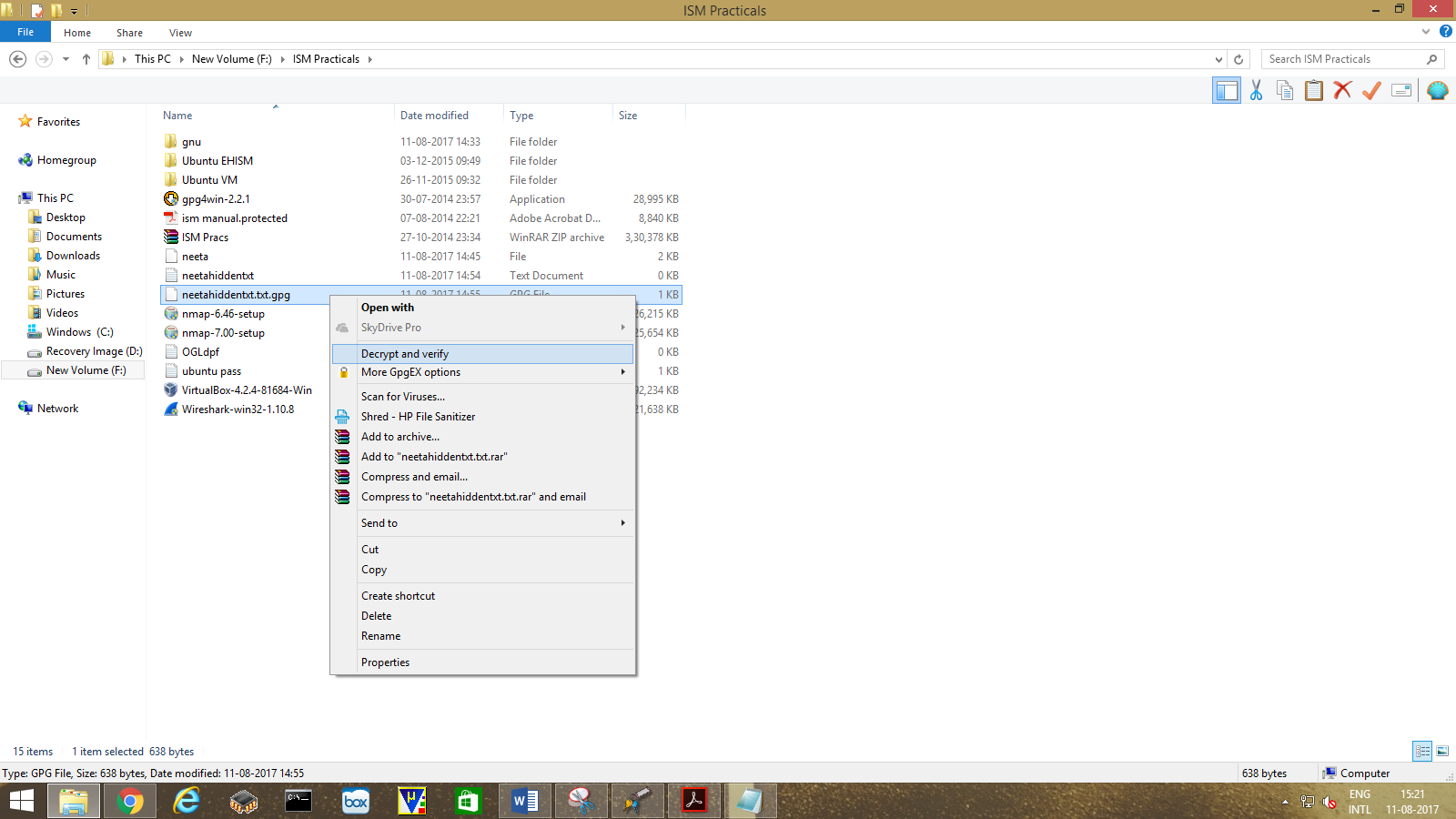
For Decrypt,

Right Click on extension of file which is gpg . Select "Decrypt and Verify".

How to Encrypt and Decrypt Using GNU PGP

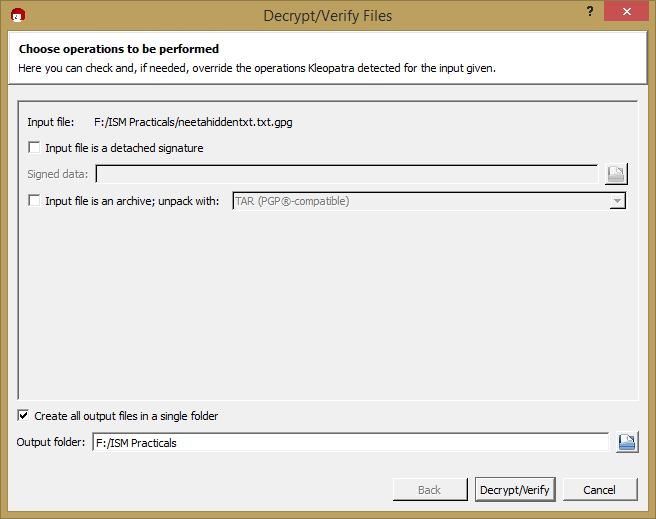
Click on "Decrypt/Verify" button

How to Encrypt and Decrypt Using GNU PGP

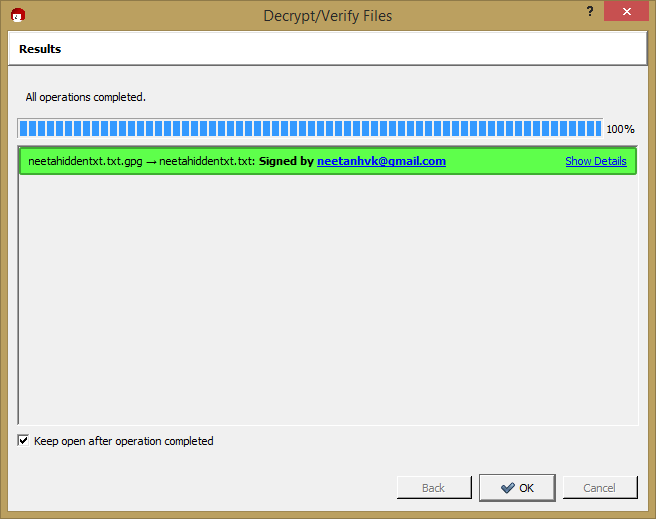
Click on Finish button

How to Encrypt and Decrypt Using GNU PGP          

Comments ()


Sign in

Read Next

The Right way of cooking

Blog banner

Tomato Butter Sauce with Bucatini

Blog banner

ART AND CULTURE OF VRINDAVAN

Blog banner

Fudgy Tahini Date Chocolate Bars

Blog banner

Guidelines for a Low sodium Diet.

Blog banner

Super Garlicky Tomato Soup with Smashed White Beans

Blog banner

What is Anxiety? How to manage Anxiety?

Blog banner

Fitness

Blog banner