Proof-of-Stake (PoS)
Culture Of Ladakh
Electronic Funds Transfer
Modern operating system
Service Validation and Testing during the Design Phase
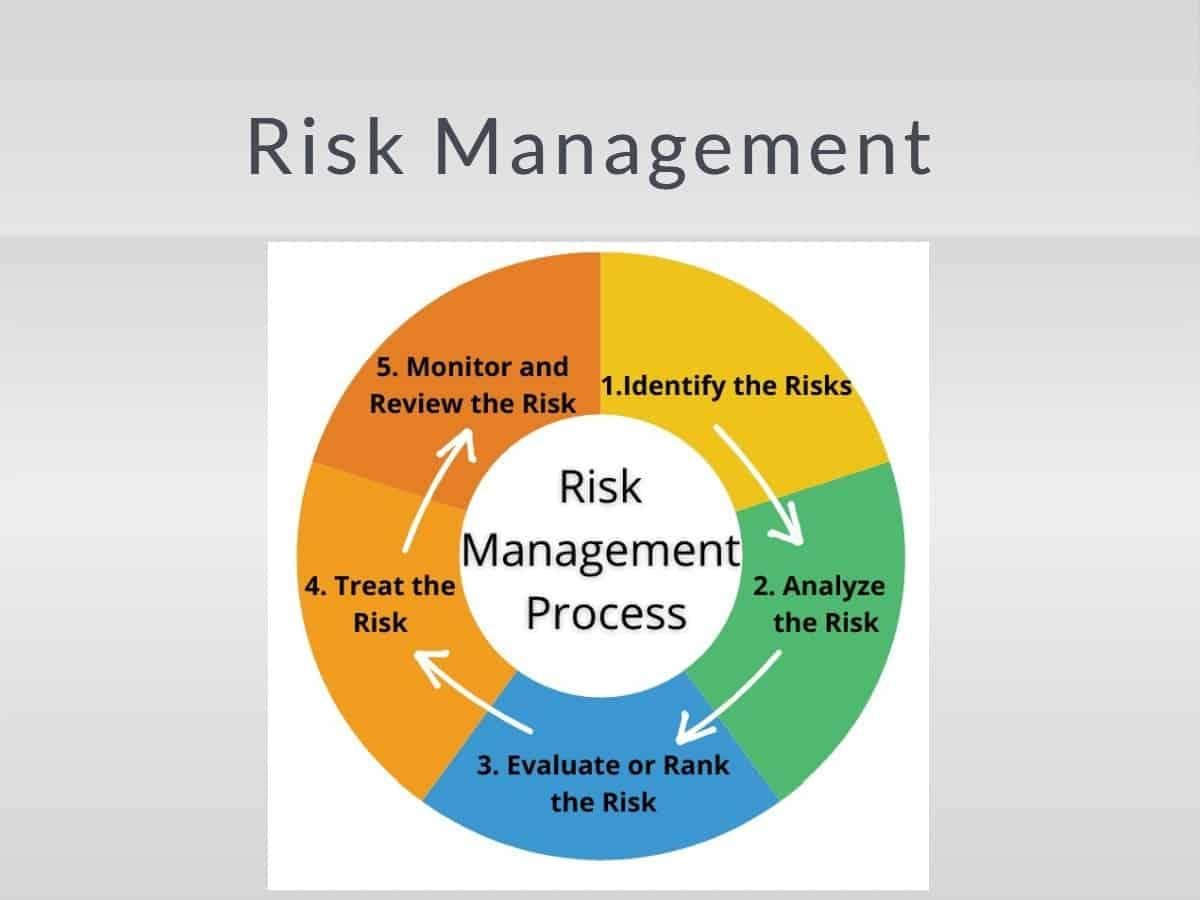
Risk management in IT
Why Does Hierarchy Still matter in Organizations?
THE INPACT OF SOCIAL MEDIA!
The Laws of Karma
Buffering
Data Mining
Social Network Analysis: Ek Naya Nazariya Data Science Mein
Why Users Leave Your Website in 5 Seconds (And How UI/UX Fixes It)
CSI and Organizational Change
Mental Health
What is Spyware? and examples of them.
ITIL Version 3 and 4 differenciation?
What is Email? Uses of Emails
How to Manage Employees and Tasks in One System (Without Excel)
Data Visualization
Deadlock Prevention
Koinex is shutting down and here is how you can withdraw...
Logical and physical address
Life of a 2020-2021 student
This Windows 11 encryption bug may cause data damage
Types Of scheduling
LTE Technology
Why Festivals Are the Best Classrooms for Young Minds?
MY MOST THRILLED TREK ..... BHAIRAVGAD
How to Compare Schools Before an Admission Decision
Direct Memory Access
How To Invest In Indian Stock Market @ BSE & NSE ~ Tutorial 3
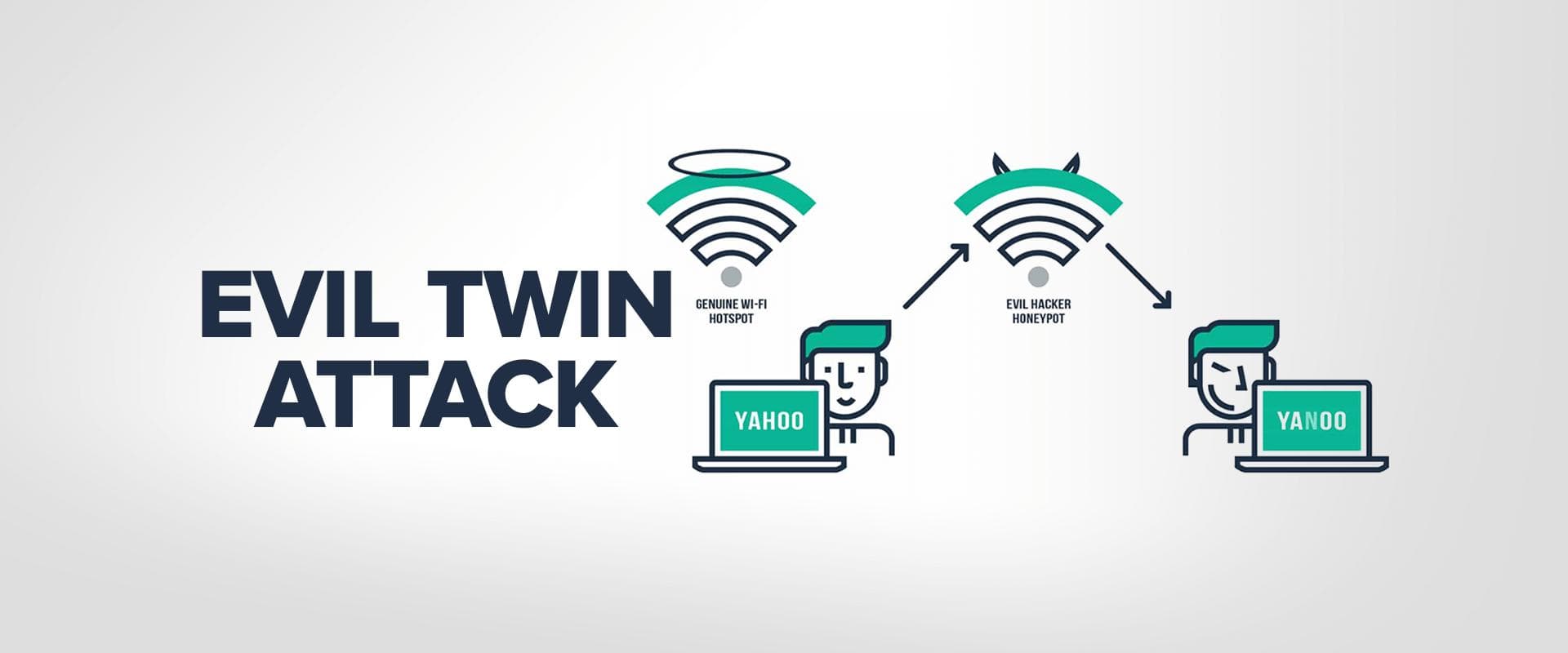
The Rise of Evil Twin Attacks: A New Kind Of Spoofing Cyberattack
The Rise of Polo Tourism in the USA: How Travellers Are Blending Luxury Stays with Elite Sports
File Sharing
Deadlock
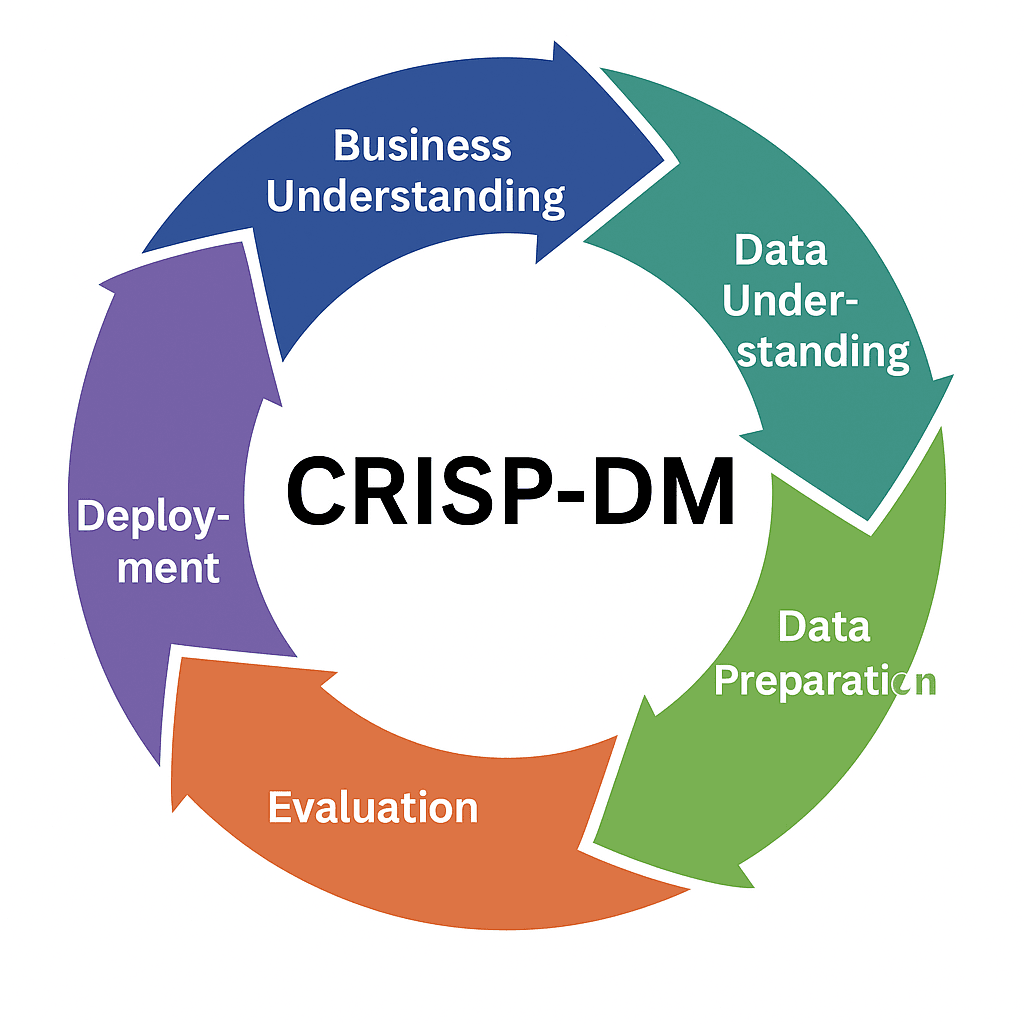
CRISP-DM Methodology
Why Your Child Cries at Drop-Off and How Preschools Handle It Gently
Why is online marketing is important in current scenario
Fault tolerance
Memory management
Distributed Denial of Service (DDoS) attack